Build a portfolio website
Compare 30+ presentation styles made for finished photography.
Explore templates
Shoot.Process.Show
Turn finished photographs into a gorgeous website, mobile portfolio, and live embeds. Update your work once in PhotoView and every presentation stays current.
Build and publish free for 14 days. Payment method required. Cancel before day 14 and pay nothing.
PhotoView.io helps photographers securely store, curate, and showcase photographs and video. Photos, MP4, and MOV files are supported, along with the Lightroom Plugin.
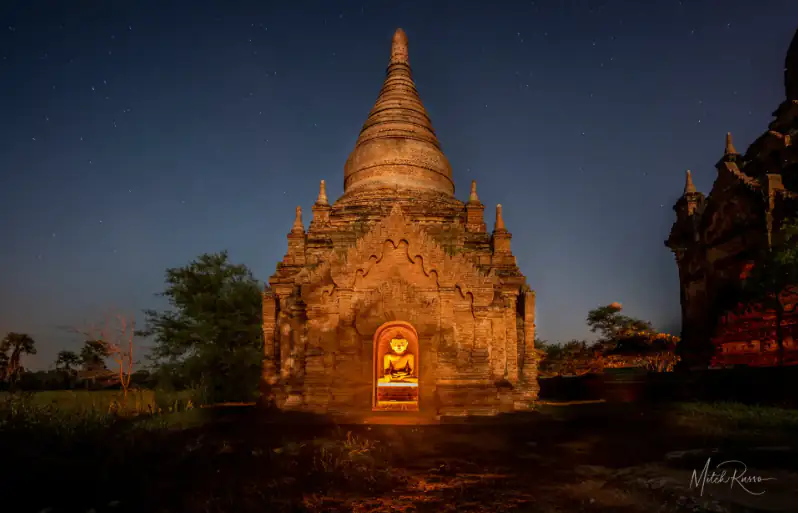




Your best work should not disappear
You invested your eye, your time, and your skill in every finished image. Yet too often the work ends up trapped in a folder, compressed into a social feed, or squeezed into a website template that looks like everyone else's.
PhotoView is built for what happens after the edit: choosing the work that matters, shaping how it is experienced, and placing it in front of the people you want to reach.
This is not another place to edit photographs. It is the place finished photographs go to be seen.
Start with your goal
Choose the path that fits the work you already have and the people you want to reach.
Compare 30+ presentation styles made for finished photography.
Explore templatesSee how different portfolio patterns support different kinds of work.
See examplesMove finished photographs from Lightroom Classic into a responsive portfolio.
View the workflowPlace a live PhotoView portfolio inside the website you already use.
Explore live embedsChoose public, private, password, or verified email access.
Explore private sharingKeep a responsive, selected portfolio ready for the moment someone asks.
Explore mobile presentationOne body of work · beautiful everywhere
Create once in PhotoView, then present your work beautifully across every important screen and destination.
Build a polished responsive site with a Hero image or video, About page, stories, articles, contact form, custom pages, and your own domain.
Show photographs at full frame with cinematic lightboxes, clean navigation, captions, filmstrips, and layouts that respect the original shape of every image.
Give phone visitors a full-screen, swipeable presentation with clear navigation and mobile-optimized display files that never compete with the photograph.
Place one portfolio or your complete portfolio grid in an existing website, blog, Shopify page, or campaign. Update PhotoView once and every connected embed updates.
30 distinctive starting points
A portfolio home built around the photographs themselves.
Minimal or cinematic. Editorial or immersive. Quiet and museum-like or bold and kinetic. Every template creates a genuinely different experience using the portfolios, pages, and content you have already built.
Switch designs without rebuilding your content. Every template is included with every plan and adapts to desktop and mobile.
Create separate portfolios for travel, landscape, street, wildlife, fine art, family collections, or any curated series, each with its own cover, order, visibility, and sharing controls.
Present photographs and video in the same curated portfolio, with responsive playback, poster thumbnails, full-screen viewing, and no distracting third-party branding.
Choose covers, reorder images, hide weaker photos, write captions, and keep originals protected while showing only the version of the portfolio you want visitors to see.
Ask AI How To answers product questions, Edit Hints point to the exact control, and Tours guide subscribers through multi-step tasks without taking away creative control.
Choose photographs, MP4 files, and MOV files from a mobile device, import only the keepers, then arrange, hide, move, download, or share them with the same familiar controls.
Copy one block of code to place a PhotoView.io portfolio or full gallery grid inside an existing website without rebuilding the photographer's whole site.
Choose a visual style, work beside a live responsive canvas, and build a site with your own hero, portfolios, galleries, About page, gear, trips, articles, contact form, colors, type, and personal PhotoView.io address. Your website header can use a photograph or an uploaded looping MP4 video.
Turn curated photographs into a complete campaign with designed layouts, custom messages, calls to action, destination links, exact photo selection, multiple connected accounts, and a schedule you approve before anything publishes.
Bring work in from a phone, publish through the Lightroom plugin, or watch a desktop export folder used by Capture One, Photoshop, Affinity, Photo Mechanic, DxO, or ON1.
Photography in motion
Combine photographs and video in the same curated portfolio. PhotoView.io creates a poster image, provides a clean full-screen player, preserves the original file, and presents everything as one cohesive body of work.
 Video
Video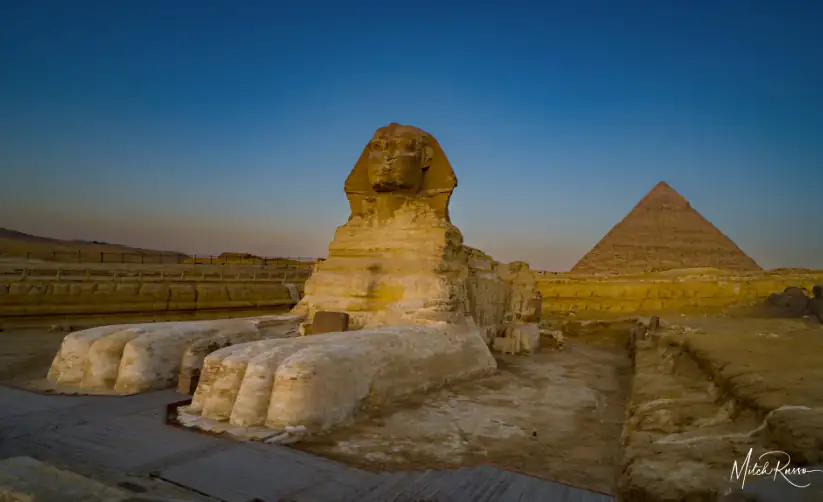

Power without the clutter
Control how your work is organized, protected, presented, shared, and stored from first upload to final campaign.
Explore every settings tab to see what is built in.
Always in sync
Saved to your subscriber workspace
Make PhotoView.io unmistakably yours
Social profile links and sharing destinations
From finished file to finished portfolio
Send finished photographs directly to a new or existing portfolio without rebuilding folders, repeating uploads, or changing the way you process your images.
Select finished photographs, choose a new or existing PhotoView portfolio, and export rendered files up to 50 MB without resizing or cropping them.
Create up to 12 watched-folder routes for different subjects, clients, websites, or destinations. Export from the editor you already trust and let the desktop uploader deliver the files.
Choose photographs, MP4 files, and MOV files from your mobile device, review the keepers, and add them directly to the right portfolio.
Import from SmugMug or upload directly from your computer whenever a one-time transfer is the better choice.
Titles, captions, capture dates, and original filenames travel with supported Lightroom imports when available.
More than a portfolio
Choose the pages you need, arrange them in your navigation, and edit every page beside the live website canvas.
Drag pages into order. Open any page to edit its content, visibility, label, and page-specific options.
Hero image or video, galleries, and featured work.
Your story, portrait, and creative point of view.
Gear, recommendations, and product links.
Stories linked to the portfolios that illustrate them.
Original writing for visitors and search engines.
A contact form delivered to your private email.
Add up to five pages for workshops, services, press, licensing, or anything else.
Your logo, site name, colors, typography, and image style.
Custom domains
Connect a domain you already own, keep both root and www visitors headed to the same place, and use guided one-click setup with supported providers.
Accordion Story
Add an optional story experience to any template. Visitors open chapters such as Origin, Process, Place, or whatever structure fits your work without leaving the page.
Sharing and privacy
Use private links, passwords, email verification, QR codes, multiple embed profiles, download controls, and watermarks to match the audience and purpose.
For passionate and commercial photographers
A PhotoView site can be a personal body of work, a polished commercial presentation, or both. Build separate portfolios for the audiences you serve and send each person directly to the work that matters.
Create emotional, story-led collections that feel complete on phones, tablets, and large screens.
Separate campaigns, categories, or clients, then embed the right portfolio into a proposal or existing company site.
Use restrained layouts, captions, private previews, and story chapters to give a series context and authority.
Ask a question, reveal contextual Edit Hints, or Take a Tour that leads directly to the controls needed to finish the task.
Start on the device where the photos already are. Select mobile images, review 50 thumbnails at a time, and turn the best ones into a new portfolio.
Create a complete photography website inside PhotoView.io, or embed one portfolio or your entire portfolio grid on a site you already use.

Destination Portfolio
24 images

Travel Collection
36 images

Fine Art Series
18 images

Mobile Portfolio
12 images
Product
The public experience can open with a rotating hero, move into gallery covers, then present each gallery with a centered image, left/right navigation, a bottom filmstrip, and a clean mobile lightbox.
Why different
Most passionate photographers cull and finish their work in Lightroom or another editor, then publish only their strongest photographs. For many, 5 to 10 GB is enough for an entire curated collection. PhotoView.io is built for that real workflow: keep the selected work, shape the presentation, build a beautiful photography website, and share it anywhere.
SmugMug, Zenfolio, and PhotoShelter are capable platforms when you need proofing, print fulfillment, booking, licensing, or a complete studio-business system. When your priority is presenting your best work without paying for that larger operational stack, PhotoView.io is the more direct choice.
All PhotoView.io features are available at every price tier. No hidden fees.
SmugMug and Zenfolio details checked July 2026. PhotoShelter details checked August 2026. Promotional pricing and features may change.
Mobile
The mobile viewer is designed around the way people actually browse images: full-screen, swipeable, quick to exit, and simple enough that the controls do not compete with the photograph.


Originals stay preserved in storage. Public viewing can use mobile-friendly display images by default, while HDR/original preference can be enabled by the subscriber when image quality matters more than load time.
Workflow
PhotoView.io carries your best work through every stage without forcing you to stitch together a collection of complicated tools.
Photos and video from phone or direct upload, plus Lightroom and watched folders
Build separate portfolios and keep every photograph in its place
Choose covers, order images, add captions, and hide weaker work
Select a template and shape a complete responsive photography site
Publish, embed, send a private link, or schedule a social campaign
Multiple portfolios can move through this workflow at once, each with its own cover, order, privacy, watermark, sharing controls, and destination.
Introductory Pricing Live Now
The complete portfolio and website experience starts at $39.99 per year.
Pricing
Every plan includes all 31 templates, the complete website builder, custom domains, embeds, Lightroom and Smart Folder imports, guided help, sharing controls, and desktop and mobile presentation.
PhotoView.io is not trying to run your whole photography business. It is a focused place to store, curate, display, and share the photographs and video you care about most.
Starter plan
$3.99
/ month
$39.99/year when billed annually. Save compared with monthly billing.
Every plan includes photo and video portfolios, the visual website builder with one Hero video, mobile viewing, embeds, guided AI help, and public sharing. Choose a plan based on the storage your work needs.
There is no separate PhotoView.io video-hosting charge. Original video files, web playback copies, and poster images use the storage included with the subscriber's plan.
Subscribers receive a personal referral link. Each eligible trial that converts to paid access adds a permanent 1 GB storage bonus once. It never adds subscription time or recurring annual credit.
Storage is metered with alerts and upgrade prompts as a subscriber approaches their plan limit. Public viewing traffic is monitored for abuse, performance, and reliability, but it is not sold as a separate plan allowance.
Upload MP4 files up to 5 GB. MOV files are converted to MP4 for reliable browser playback; MOV files larger than 750 MB should be exported as H.264 MP4 before upload.
Videos never autoplay in a portfolio, remain available for full-screen viewing, and cannot replace the still photograph used as a portfolio cover.
Frequently asked questions
No. PhotoView is the presentation and publishing home for work you have already finished in Lightroom, Capture One, Photoshop, or another editor.
Yes. Start with a PhotoView address, then connect a domain you already own. Guided setup covers both the root domain and www address.
Yes. Create separate embed profiles for one portfolio or your complete portfolio grid. When you update PhotoView, connected embeds update too.
Yes. The mobile viewer is full-screen, swipeable, and designed specifically for vertical and landscape images rather than merely shrinking a desktop page.
Yes. Use private links, passwords, email verification, download controls, and watermarks according to the audience and purpose.
Yes. The Lightroom Plugin sends finished rendered files up to 50 MB into a new or existing PhotoView portfolio.
Yes. Photographs, MP4 files, and MOV files can live together in a portfolio, and the website Hero can use an uploaded looping MP4.
Your portfolios, pages, and content stay in place. You can switch templates and then refine the controls that are relevant to the new design.
Your finished photographs are ready
Start with the work you already love. Choose a template, shape the experience, connect your domain, and publish a presentation that finally feels worthy of the photographs.
Start your 14-day free trialA payment method starts the trial. You are not charged until day 14, and you can cancel before then.
Turn one portfolio into a complete social campaign.
Choose a campaign layout, message, photographs, connected accounts, and schedule. Preview every post before publishing begins.
Create once. Publish across your channels.
Direct publishing currently supports multiple eligible Facebook Pages and Instagram Professional accounts connected through Meta.