
Publish Photography Portfolios From Lightroom in Minutes for Photographers
Workflow first plan for photographers: publish from Lightroom, embed live galleries, and deliver private client proofs that are mobile ready.

Publish Photography Portfolios From Lightroom in Minutes for Photographers
Match your delivery method to your goal, then let the platform do the heavy lifting. For quick discovery, a hosted portfolio site or social link works fine. For client proofing or sales, use a private gallery with access controls. For pitching editors or agencies, a shareable link or embedded showcase reads as more professional than a PDF attachment. Most working photographers standardize on one photographer-focused platform that handles publishing, embedding, and private delivery from a single dashboard.
TL;DR:
- A platform that integrates Lightroom publishing, private galleries, and website embedding significantly reduces ongoing management time for photographers.
- Photographers should run real-world tests, including full-length gallery uploads and client review, to ensure features like download restrictions and analytics meet their needs.
- Quarterly updates that retire weak images and replace them with recent work keep portfolios current and reflective of ongoing skills.
- Mobile-ready templates and embedded galleries are crucial, as most clients open portfolios on phones, making design responsiveness non-negotiable.
- Using link tracking and analytics helps photographers identify when prospects view galleries, enabling timely follow-ups.
Table of Contents
- The Main Ways to Share a Photography Portfolio
- How Do You Choose the Right Sharing Method?
- Preparing Your Images Before You Hit Share
- Workflows That Keep Your Portfolio Current Without Extra Work
- Presentation Tactics That Actually Win Clients
- Gathering and Using Client Feedback From Shared Portfolios
- Keeping Your Portfolio Active Instead of Letting It Go Stale
- Why a Platform Built for Photographers Changes the Math
- How PhotoView.io Handles the Whole Sharing Workflow
- Sources
- FAQ
The Main Ways to Share a Photography Portfolio
Every method for sharing a photography portfolio solves a different problem. Some are built for browsing, others for delivering finished files to a paying client.
A hosted portfolio website is the foundation for most working photographers. You get a custom domain, a template built around image presentation, and a permanent home for your best work that you control completely. This is the right call when you want discovery, search visibility, and a place to send editors or new leads.
Client galleries solve a different problem: private delivery. You’re not trying to get found. You’re handing finished work to one person who already hired you, and you need proofing tools, download permissions, and a password gate. Wedding and portrait photographers live in this mode constantly.
Social shares work best as a teaser, not a portfolio replacement. Platforms like Instagram compress and crop your images unpredictably, and the algorithm decides who sees them, not you. Use social as a funnel that points back to your real portfolio.
For fast, informal sharing, simpler tools fill the gap:
- PDF portfolios for quick email attachments to art buyers
- Shareable links with basic view analytics so you know when a prospect actually opened your work
- QR codes at print shows, business cards, or portfolio reviews, since you can upload a static site and get a live URL and QR code in seconds
- Simple builders like Adobe Express for a one-page portfolio when you need something live in minutes
How Do You Choose the Right Sharing Method?
Start with the goal, not the tool. A wedding photographer delivering 600 finished images to a couple has nothing in common, workflow-wise, with a commercial photographer pitching a creative director three tearsheets. Pick the method that matches what happens next: does the viewer browse, approve, buy, or hire?
Once the goal is clear, run any platform through this checklist:
- Access control. Can you password-protect a gallery, set an expiration date, or block downloads until payment clears?
- Mobile presentation. Does the layout hold up on a phone, since most clients open your link on mobile first?
- Workflow support. Does it publish directly from Lightroom or RAW folders, or does it force manual re-uploads every time you update?
- Storage limits. Are you paying for bandwidth and storage that actually match your shoot volume?
- Branding and domain. Can you use your own domain, or does the URL scream “free trial”?
- Analytics. Can you see who viewed the gallery and when, so you know when to follow up?
- Print or e-commerce. Does the platform support direct print sales or licensing if that’s part of your business?
Pro Tip: Before you commit to a paid plan, run one real shoot through the free trial. Upload a full-size gallery, send it to a friend, and time how long it takes them to find the “download” button. If they can’t find it in ten seconds, your actual clients won’t either.
Photographers on forum threads consistently point out that there’s no single right answer here. What works for a landscape photographer sharing prints is wrong for a wedding shooter managing proofing and sales, which is exactly why the workflow-first approach beats chasing whatever platform ranks first in a Google search.
Preparing Your Images Before You Hit Share
Curation matters more than volume. A tight, well-sequenced gallery of 20 images outperforms a scattered set of 80 almost every time, because it respects the viewer’s attention and signals editorial judgment.
Before you export anything, work through this list:
- Curate ruthlessly. Open strong, close strong, and vary pace so similar shots don’t sit back to back.
- Match count to context. A pitch to an editor might need 10 to 15 images; a wedding delivery gallery can run into the hundreds.
- Export for the web correctly. Use sRGB color profile, size images around 2048px on the long edge, and compress moderately so files load fast without visible artifacts.
- Add captions and rights info. A short caption with location or client name adds context; a usage line protects you if the image travels further than expected.
- Set access presets before sending. Decide on a password, an expiration date, and whether downloads are allowed, before the link goes out, not after.
Workflows That Keep Your Portfolio Current Without Extra Work
The photographers who update their portfolios most often are the ones who’ve removed the friction between “finish editing” and “it’s live online.” That usually means publishing straight from Lightroom instead of exporting, renaming, and re-uploading every batch by hand.
A Lightroom publish workflow, paired with Smart Folders, lets you drag finished images into a designated collection and have them appear on your live site automatically. No FTP, no manual gallery rebuilds. Photographers strongly prefer platforms that plug into their existing catalog instead of demanding a separate upload process, because rebuilding a catalog from scratch is maintenance nobody has time for during a busy season.
Embedding matters just as much. If you run a gallery that embeds directly into your existing site, you keep one source of truth. Update the gallery once, and it updates everywhere it’s embedded, instead of managing duplicate copies across a homepage, a blog, and a client page.
A few other workflow essentials worth checking before you commit to a platform:
- Mobile-ready, responsive templates that reflow automatically instead of forcing pinch-and-zoom
- Specialty templates built around how wedding, commercial, and travel work actually gets viewed
- Link tracking or basic analytics so you know which galleries clients actually open
Roughly 78% of web traffic in the US now comes from mobile devices, which means a portfolio that looks great on a laptop but breaks on a phone is quietly losing you clients who never say a word about it.
Presentation Tactics That Actually Win Clients
Layout decides whether a visitor keeps scrolling or leaves in ten seconds. A hero image followed by curated project galleries is one of the most consistently effective patterns across creative fields, because it gives the viewer one strong first impression before asking them to explore further.
Structure matters as much as image choice:
- Lead with your single strongest image, not your most recent one.
- Group work into project-based galleries instead of one long undifferentiated scroll.
- Keep your about section short: a few lines of biography, the gear or approach that shapes your style, and a clear call to action to book or request a proof.
- Add a contact sheet or short behind-the-scenes clip occasionally. It builds trust by showing your actual process, not just polished outcomes.
Pro Tip: Put your booking or contact link in at least three places: the top navigation, the end of your about page, and the end of every project gallery. Clients rarely scroll back up to find it.
Gathering and Using Client Feedback From Shared Portfolios
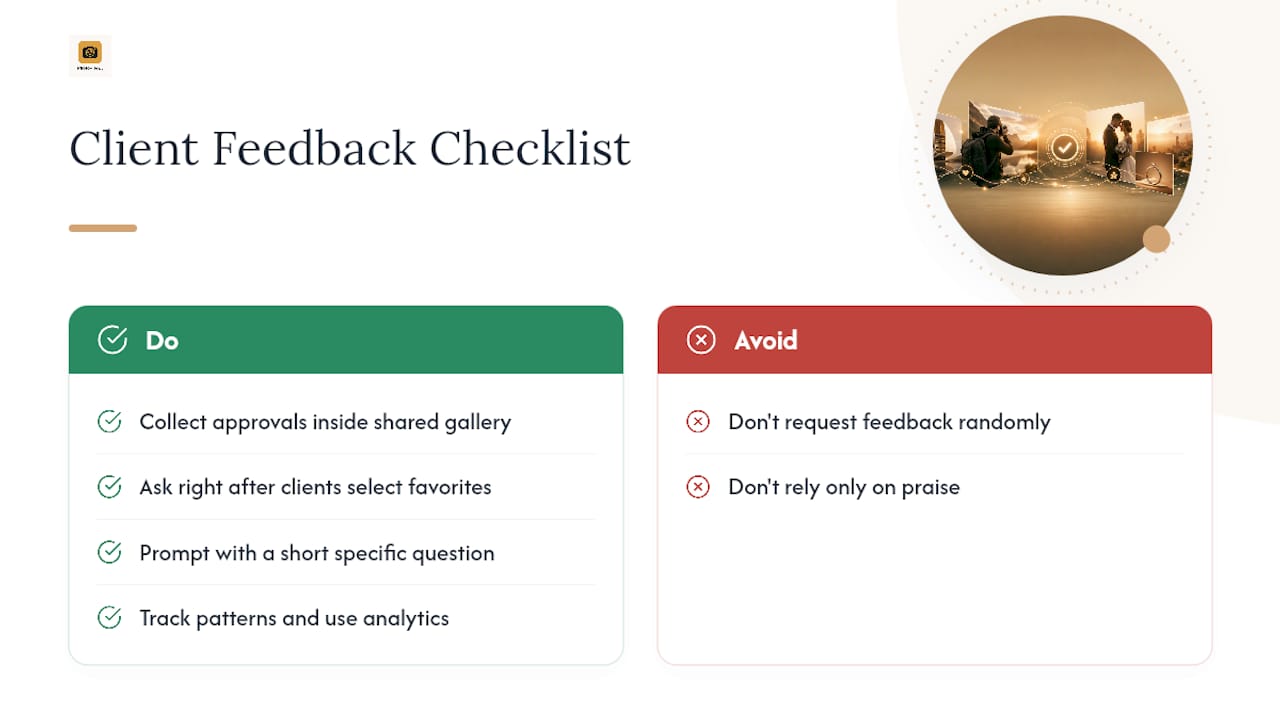
A shared gallery is also a feedback loop, if you build in a way to collect it. The simplest method is a favoriting or approval feature built into your client gallery, so proofing happens inside the same link you already sent instead of through a scattered email thread.
Ask for feedback at a specific moment, not randomly. Right after a client finishes selecting their favorites is when they’re most engaged and most likely to leave a real reaction. A short prompt like “anything feel off, or any image you want retouched differently?” gets more useful answers than a generic “let me know what you think.”
Track patterns across multiple clients, not just individual comments. If three different couples all mention loving your candid shots more than the posed ones, that’s a signal about where your actual strength lies, not just a compliment to file away.
Use analytics alongside direct feedback. If your gallery link shows repeated views from the same device, or a spike right before a decision deadline, that tells you something a comment never will, namely that the client is deliberating and might need a nudge or a follow-up call.
Save the good feedback. A short, specific quote from a real client, with permission, becomes stronger testimonial copy for your about page than anything you’d write about yourself. Just be careful not to over-rely on praise; a client who points out a real weakness is handing you a free upgrade to your next shoot.
Keeping Your Portfolio Active Instead of Letting It Go Stale
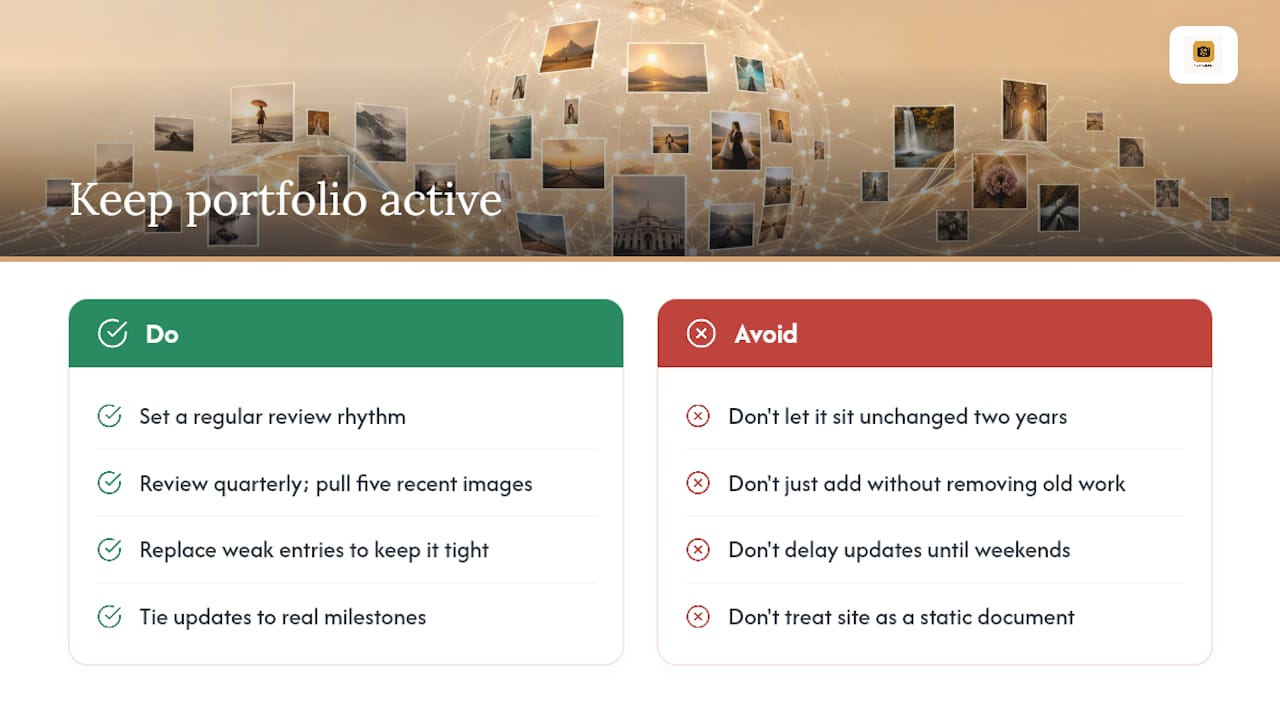
A portfolio that hasn’t changed in two years reads as a photographer who hasn’t worked in two years, even if that’s not true. Set a rhythm, not a one-time project.
A quarterly review works for most working photographers. Every three months, pull your five strongest recent images, decide what they replace, and retire your weakest current gallery entries. This keeps the portfolio tight instead of letting it grow into an unfocused archive.
Tie updates to actual milestones instead of an arbitrary calendar. Finished a wedding season, wrapped a commercial campaign, or came back from a travel assignment? That’s the natural moment to refresh galleries, not three random months later when you finally remember.
Retire work deliberately. Photographers tend to add new images and never remove old ones, which dilutes the portfolio’s overall strength even as the new work improves. If an image no longer represents your current skill level or style, it’s costing you more than it’s helping.
Finally, treat your portfolio as a living site, not a static document. A platform that lets you swap galleries and update templates without rebuilding from scratch is the difference between a five minute refresh and a weekend project you keep postponing.
Why a Platform Built for Photographers Changes the Math
The biggest mistake photographers make when sharing a portfolio isn’t picking the wrong template. It’s treating presentation and delivery as two separate jobs, one for the pretty website and another scrappy system for getting files to clients. That split is where hours disappear every month.
The photographers who spend the least time managing their online presence are the ones who removed that split entirely, publishing straight from their existing catalog into one platform that handles both the showcase and the private delivery.
— Mitch Russo
How PhotoView.io Handles the Whole Sharing Workflow
PhotoView.io is built specifically to close the gap between finishing an edit and having it live, updated, and deliverable, without the manual re-upload cycle most photographers get stuck in. Publish directly from Lightroom, pick from more than 30 responsive portfolio templates, and embed live galleries on a site you already run so you’re never updating the same work twice.

For client work, private sharing gives you password protection, download permissions, and expiration dates without stitching together separate tools for proofing and delivery. Storage and organization stay centralized too, so a growing catalog of finished shoots doesn’t turn into a filing problem. If your current setup means separate software for your website, your client deliveries, and your file backups, consolidating into one portfolio publishing platform is the fastest way to get hours back every month. Start a free trial and publish your first gallery today.
Sources
- Portfolio Link Generator - Share Portfolio Online | Linkyhost
- Portfolio Hosting | Upload and Go Live in 60 Seconds | Supadrop
- Portfolio Design Inspiration for Designers: 10 Styles to Copy | Alloquy Blog | Alloquy
- What site do you use to host your portfolio to send to clients …
FAQ
What Is the Best Way to Share a Photography Portfolio?
Match the method to your goal: a hosted portfolio site for discovery, a private client gallery for proofing and delivery, and a shareable link or QR code for quick, informal sharing. A platform that covers all three from one dashboard can simplify the process.
Why Are People Leaving Flickr?
Many photographers have moved away from general-purpose photo sites toward platforms built specifically for professional presentation and client delivery, since those tools offer stronger branding, privacy controls, and workflow integration that a general photo-sharing site was never designed for.
What Is the Best Portfolio Site for a Photographer?
There’s no single universal answer, since photographers on forums consistently recommend different platforms depending on budget and workflow, but a platform built specifically for photographers tends to fit professionals who need Lightroom publishing, private galleries, and mobile-ready templates in one place.
How Do I Track Who Views My Shared Portfolio?
Use a platform with built-in link analytics, which shows view counts, timestamps, and device types so you know when a prospect opened your gallery and can time your follow-up accordingly.