
Build an Effective Photography Homepage
Arrange Hero, Featured Work, portfolios, film strips, and text sections into a focused introduction to your photography.
What you’ll accomplish
You will create a homepage with a clear opening, a strong edit, and an intentional path into the rest of your work.
Before you begin
- Choose the three most important things a first-time visitor should see or do.
- Finish the portfolio covers and titles you expect to feature.
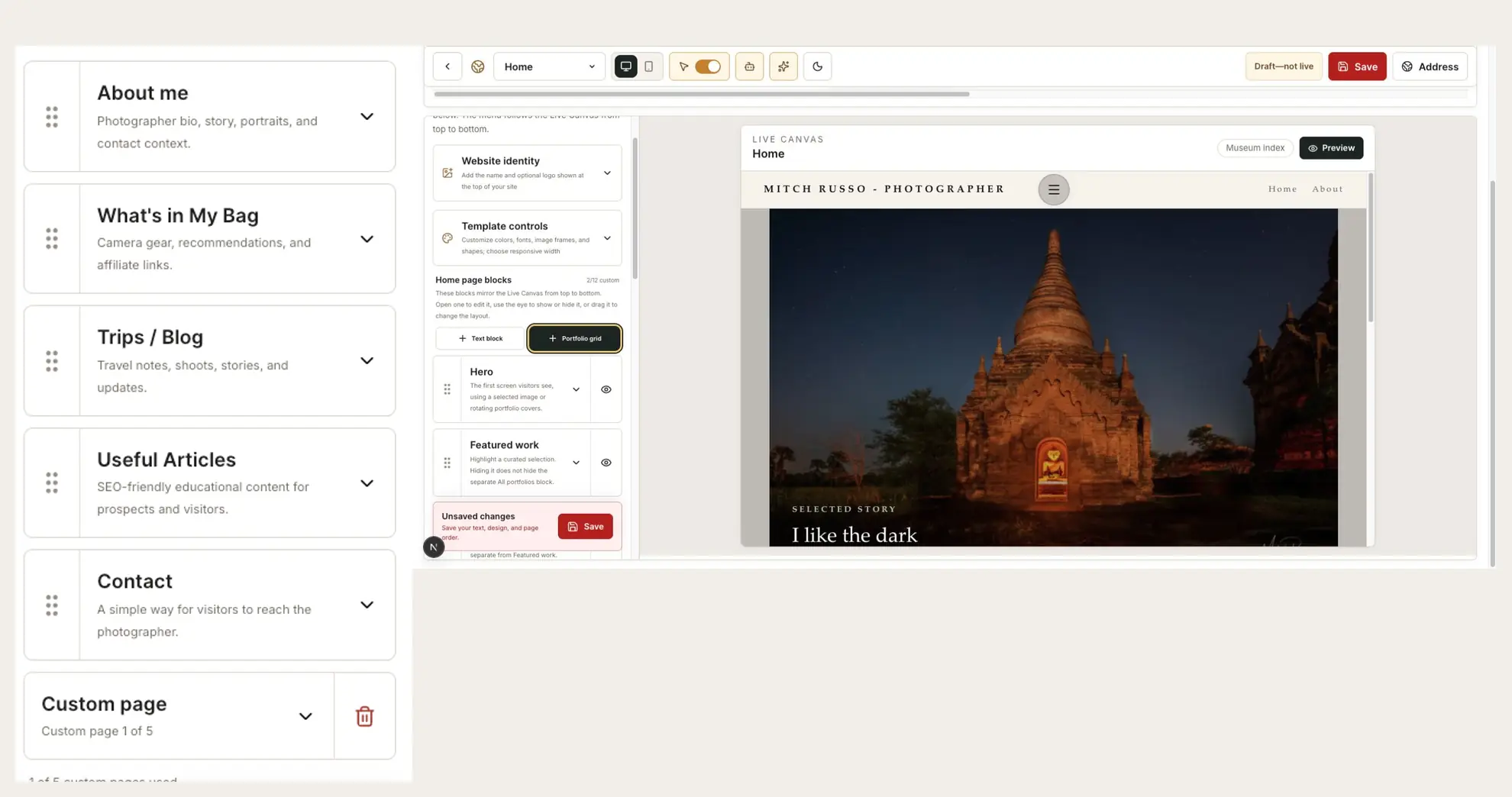
Choose one job for the homepage
Decide whether the homepage should introduce your range, lead with one current story, or direct visitors to a few specialties.
A homepage is an edit, not an inventory. Keep the strongest destinations visible and let deeper pages hold the complete work.
Start with the Hero
Use one photograph, one video, or a rotating portfolio. Choose Fill frame for an immersive crop or Show full image when the entire composition must remain visible.
Use a short headline and optional story label only when they add context.
Add Featured Work
Select a focused portfolio or curated group for Featured Work. Pick the display style that respects the photographs: slideshow, thumbnails, film strip, cover cards, or full-frame grid.
Create visual chapters
Use Text blocks to introduce subjects such as Portraits, Landscape, Travel, or Products. Follow each label with a Portfolio grid containing only the relevant destinations.
A Film Strip can create a compact visual transition under the Hero or between larger sections.
Use Accordion Story when you want two to six expandable chapters. Rename starter tabs such as Origin, write the story for each chapter, and optionally select a portfolio whose cover supplies the chapter image. Desktop uses vertical chapter tabs; mobile becomes a stacked accordion.
Reorder, hide, and review
Drag blocks into the intended reading order and use the eye controls to hide anything that is not ready.
Review the full page in Preview. Remove repeated ideas and make sure the most important work appears before a visitor needs to scroll far.
Finish with this checklist
- The first screen clearly identifies you and the kind of work you make.
- Featured Work and All Portfolios do not repeat the same visual job unnecessarily.
- Text, portfolio grids, film strips, and Accordion Story chapters appear in a deliberate order.
- Hidden or unfinished sections do not appear in Preview.
- A visitor has an obvious next step into a portfolio, story, About page, or Contact page.