
Build a Professional About Page
Write a concise photographer biography, choose a useful portrait, and give visitors a natural next step.
What you’ll accomplish
You will publish an About page that explains who you are, what you photograph, and why a visitor should continue.
Before you begin
- Write down what you photograph, whom you serve, where you work, and the one fact that makes your perspective distinctive.
- Prepare a current portrait, working photograph, or a short introduction video if you want media on the page.
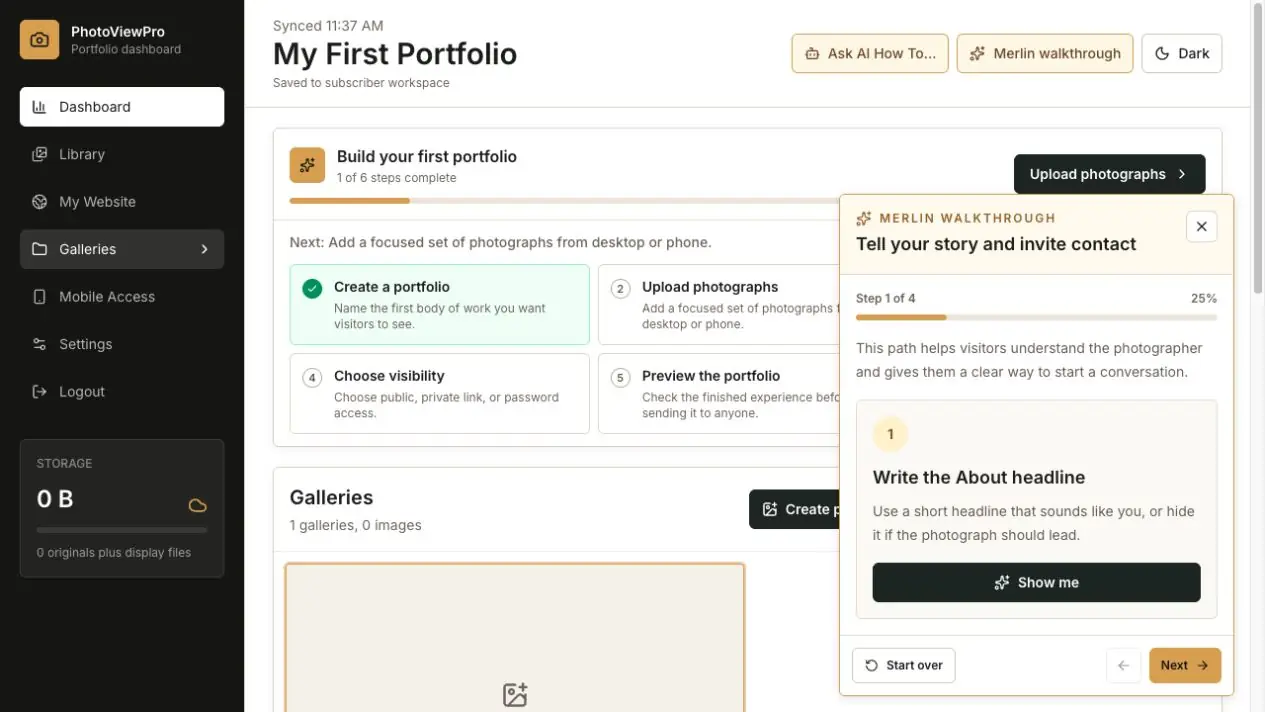
Open the About page
Use the page selector in My Website and choose About me. Turn the page on if it is currently hidden from your website.
Write for a first-time visitor
Begin with what you photograph and where or for whom you work. Add the experience, point of view, or motivation that helps someone understand the work.
Use short paragraphs and remove details that do not help a visitor decide to explore or contact you.
Choose a portrait, working image, or short video
Use a current photograph that feels consistent with your public identity, or upload a short MP4 or MOV introduction video. A portrait, studio view, photograph of you working, or concise on-camera welcome can all be appropriate.
About videos can be up to 200 MB and 90 seconds. They stay paused in the editor and use visitor playback controls in Preview and on the published website.
If you keep both a photo and a video, the video is displayed while the photo acts as its poster and fallback. Remove the video whenever you want to return to the still photograph.
Add proof selectively
Include meaningful exhibitions, clients, publications, awards, or locations when they establish relevant credibility. Avoid turning the page into an unedited résumé.
Provide a next step
The About button defaults to Get in touch and opens Contact. Change its label and destination when it should open a portfolio, booking page, another PhotoView page, or a secure external address.
The button is intentionally inactive in the editable Live Canvas. Test it in Preview and on the published website.
Make Contact available in the navigation when an inquiry is the desired outcome. If the biography mentions a specialty, make the corresponding portfolio easy to find.
Finish with this checklist
- The first paragraph quickly explains who you are and what you photograph.
- The biography is broken into readable paragraphs instead of one long block.
- Photo or video media displays correctly, with the still image acting as the video poster and fallback when both are saved.
- The About button has the intended label and destination.
- Contact or the most relevant portfolio is easy to reach next.