
Commercial Photography Portfolio Website: What to Build
How to build a commercial photography portfolio website that wins inquiries: what to show, how to organize galleries, case studies, speed, rights and upkeep.

Commercial Photography Portfolio Website: What to Build
A commercial photography portfolio website has one job: help a buyer decide, in seconds, that you are the right photographer for their project, then make it easy to contact you. That means tight galleries organized by the work clients hire for, short project context, clear licensing and process information, fast mobile loading, and one obvious way to inquire. The hard part is keeping it current. That is why we built PhotoView so you update your work once and it carries across your website, mobile view and embeds.
PhotoViewKeep Your Commercial Portfolio CurrentPhotoView helps you curate finished work, publish responsive portfolio galleries, and update live website embeds from one dashboard.VisitTL;DR
- Lead with your specialty and your strongest commercial work. Buyers decide quickly, so the homepage must say what you shoot and where you work.
- Organize galleries by what clients buy (products, campaigns, portraits, interiors), not by date or in one long mixed scroll.
- Add a short case study to each project: the goal, the constraints, your approach and the result.
- Keep the site fast on phones, give it one primary call to action and a short inquiry form.
- Confirm you have the right to display client work before you publish it, and keep the permission on record.
Table of Contents
- What a commercial portfolio has to do
- What to include on the site
- Organize galleries around what buyers hire
- Add project context that sells
- Make inquiring easy
- Speed and mobile: the technical basics
- Check your rights before you publish
- Keep the site current and see whether it works
- Our view: your portfolio should be built once
- Build your commercial portfolio in PhotoView
- FAQ
- Sources
What a commercial portfolio has to do
A personal portfolio can be a quiet collection of favorites. A commercial one is a sales tool. The people viewing it are art buyers, marketing managers, agency producers and business owners, and they are usually comparing several photographers against a brief.
Guidance from Nakada Design says the homepage should establish your specialty, quality and geography within seconds, then point visitors to a clear next step. In practice, a visitor should be able to answer three questions before scrolling twice:
- What do you shoot?
- Is it good enough and relevant enough for my project?
- How do I reach you?
If any of those takes effort, the visitor goes back to the search results. Everything below is a way of answering those three questions faster.
What to include on the site
A commercial site needs fewer pages than most photographers think, but each one has a purpose. Nakada Design’s examples guide points to the same core set:
- Category galleries. Curated sets for each type of work you want more of.
- Project pages. The assignment behind the images, not only the images.
- Services and process. What you offer and how a job runs, at a high level.
- A concise About page. Who you are, your experience and the kinds of clients you serve.
- Selected clients or specific testimonials. Proof that other buyers trusted you.
- Licensing information. How usage is generally handled, so buyers know what to expect.
- A contact route that is easy to find. Not buried in a footer.
For a deeper look at layouts that put these pieces together, see our photography portfolio examples and presentation ideas.
Organize galleries around what buyers hire
The most common commercial portfolio mistake is mixing everything: a wedding next to a product shot next to a travel landscape. A buyer looking for packaging photography does not want to dig through it.
Organize by the work buyers are seeking, such as campaigns, product, food, architecture or corporate portraits. The same guidance recommends leading each gallery with compelling work and removing older images when they weaken the current offer.
A few practical rules:
- Aim for a short, strong set per gallery. Every weak frame dilutes the strong ones.
- Put your best image first and your second best last. People remember the opening and the ending.
- Show range inside a category, not across categories. Product work in studio and in context says more than one setup repeated.
- Retire work that no longer represents the jobs you want. If you want more editorial and less event work, the site should show it.
If you shoot both commercial and personal work, give each its own gallery or its own site. PhotoView supports multiple galleries and mixed media, so photos and video can sit together in a project, and you can run more than one website from the same account when you serve separate audiences.
A simple gallery structure
| Gallery | What it proves | What to add |
|---|---|---|
| Product | Control of light, detail and consistency | Short note on the brief and the shot count |
| Campaign or lifestyle | You can direct people and tell a story | Client type, location and usage context |
| Corporate portraits | You work well on location and on a schedule | Setting, number of people, turnaround |
| Video or motion | You can deliver mixed media | Length, format and where it ran |
Add project context that sells
Images show that you can make a good photograph. Context shows that you understand the job. Nakada Design recommends brief project context: the client or publication when permitted, the location and a few sentences about the assignment.
Event Photojournalism’s corporate portfolio guidance goes a step further and suggests a short case study with each gallery describing the client goal, constraints, approach and result. It argues that case studies persuade beyond the photographs because they show how you handled recognizable business constraints.
Keep each one to a short paragraph or four short lines:
- Goal: what the client needed the images to do.
- Constraints: budget, time, location, usage, an approval chain.
- Approach: the lighting, crew or planning decisions that mattered.
- Result: where the images ran or what the client did with them.
Only state results you can stand behind. If the client cannot be named, describe the industry and the kind of project instead.
Make inquiring easy
A beautiful portfolio that hides its contact route loses jobs quietly. Three habits help:
- One primary call to action. The same guidance recommends a single main call to inquire or view work, and avoiding competing buttons.
- A short form. Ask only what you need to respond: name, email, project type, location and a short message.
- A confirmation and a quick reply. The site should confirm receipt, and you should follow up promptly.
We cover the form fields and reply-time habits in detail in our guide to a photography contact page that books. Add a relevant inquiry prompt at the end of each gallery too, so a buyer who has just seen the right work does not have to hunt for the next step.
Speed and mobile: the technical basics
Buyers often open a link on a phone between meetings. If the gallery stalls, they leave. Nakada Design names mobile responsiveness, HTTPS, fast hosting and privacy-conscious analytics as the technical foundations, and advises optimizing images and avoiding plugin bloat that slows galleries.

A useful speed target comes from Google. Its Core Web Vitals threshold research sets 2.5 seconds as the achievable benchmark for how quickly the main content of a page loads. Photography sites are image-heavy, so this is where they most often fall short.
For your own files, export at the size the layout needs rather than uploading full-resolution originals everywhere, and follow a guide to optimizing images for website performance. Test the site on your own phone over cellular data, not only on office Wi-Fi.
PhotoView’s portfolio templates are responsive, with more than 30 to choose from and all of them included in every plan. Our template and mobile-presentation features are built so galleries adapt to phone, tablet and desktop screens without a separate build. If you capture on a phone while traveling, our guide to mobile photo import shows how to get images into a clean portfolio.
Check your rights before you publish
Commercial work comes with strings. Before a client’s images go on your site, confirm that you may display them, their names and their logos. Event Photojournalism’s guidance for corporate portfolios warns that corporate projects can involve confidentiality clauses, embargoes and client-owned logos, and recommends keeping a record of permissions.
Ownership matters too. The U.S. Copyright Office explains in what photographers should know about copyright that when photographs are created as works made for hire, the employer or commissioning party is considered the author and owns the copyright, not the photographer. Read your contract before you assume a shoot is yours to publish.
A simple routine keeps you safe:
- Check the contract for display, confidentiality and embargo terms.
- Get written permission to show the work, the client name and any logos.
- Save that permission with the project files.
- If a project is not ready to go public, keep it out of the public galleries until it is.
For work that is not ready or not permitted for the open web, PhotoView offers private photo sharing, and our guide to gallery permissions for clients explains how to control who sees what.
Keep the site current and see whether it works
The portfolio that wins work is the one that reflects what you shoot now. Most sites go stale because updating them is a chore: re-export, re-upload, re-arrange, repeat for every place the work appears.
Two habits solve most of it:
- Review quarterly. Add your best recent project, retire the weakest older one and update the case studies.
- Publish from the place your finished work already lives. Fewer steps means you actually do it.
To see whether the site is helping, use Google’s free Search Console performance report, which shows impressions, clicks and click-through rate for your pages and queries. Pages with high impressions and low click-through are candidates for a clearer title or a stronger lead image. Then count the metric that matters most: inquiries per month, and which gallery the buyer was on when they contacted you. For ideas on getting the portfolio in front of buyers, read our practical portfolio marketing guide.
Our view: your portfolio should be built once
Photographers lose hours to the same problem: the portfolio exists in three places and none of them match. There is a website, a presentation for a pitch and a few embeds on partner pages, and each one needs its own update.
We built PhotoView around a different idea. You curate your finished photos and videos once, and the work is presented across your website, mobile and embeds. The live site stays current without rebuilding your content.
For commercial photographers, that matters most when a pitch lands on short notice. You open one dashboard, adjust the gallery that fits the brief and send a link that looks as polished on a phone as it does on a desktop. Every template is included in every plan, so choosing a style is a design decision, not a pricing one.
The goal is simple: more of your time behind the camera and less time managing a website.
Mitch Russo
Build your commercial portfolio in PhotoView
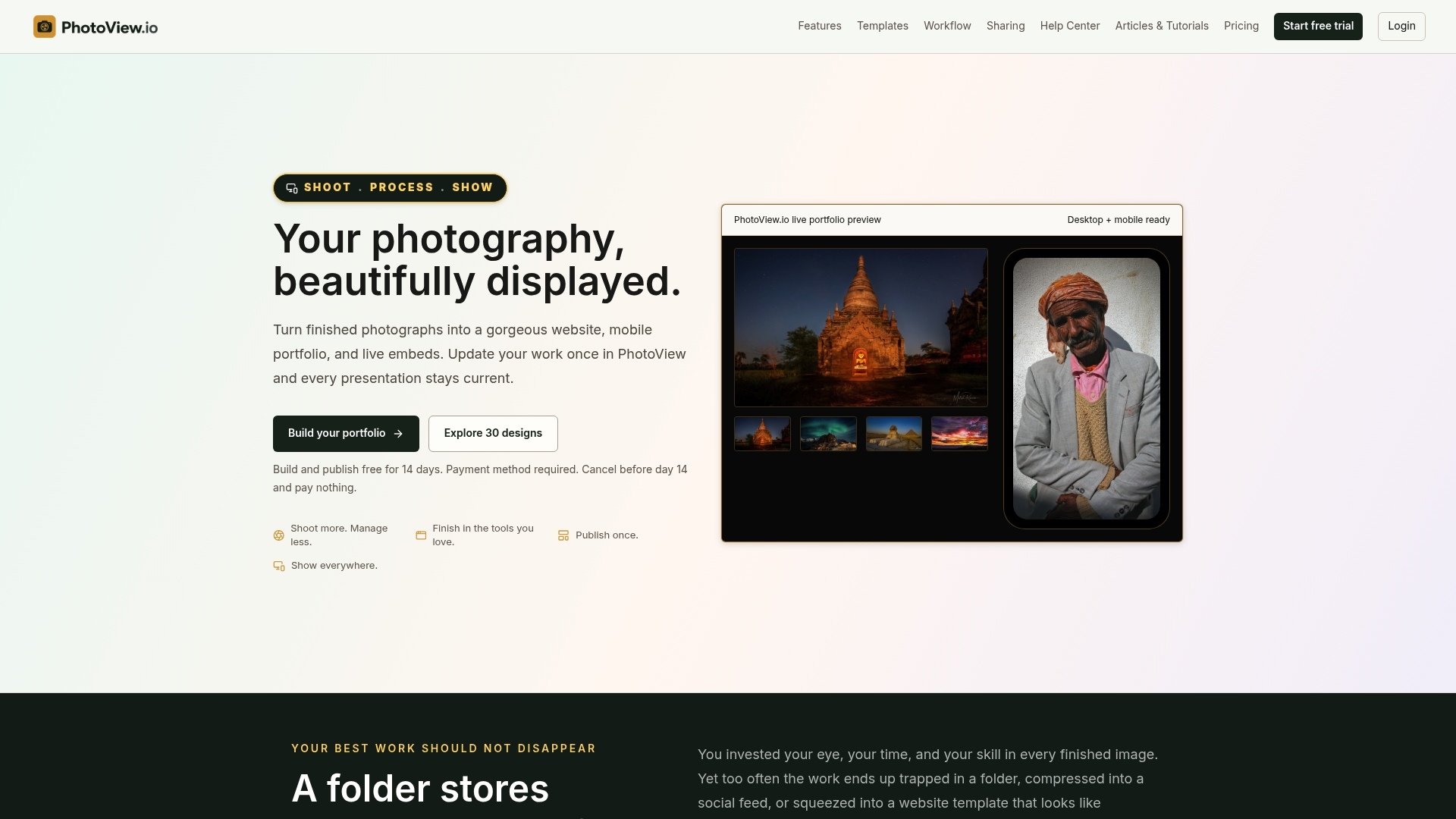
PhotoView is a subscription platform for photographers. You store and curate finished photos and videos, choose from 30+ responsive portfolio templates, use your own custom domain and publish directly from Lightroom. You can also keep live website embeds updated from one dashboard, and use private sharing when a project is not ready for the public.
Plans are tiered by storage, and all portfolio and website features are included. Prices as published on our site: Starter is $3.99 per month or $39.99 per year, Growth is $5.99 per month or $59.99 per year, Studio is $7.99 per month or $79.99 per year, and Premier is $11.99 per month or $119.99 per year. A Custom plan is available for high-volume storage. A free trial comes first.
If you already keep your catalog in Lightroom, start with publishing a portfolio directly from Lightroom. If you have a site you like and want to keep, you can embed a live portfolio on it. For comparing builders, see our commercial photography website builders guide.
FAQ
How many images should a commercial portfolio have?
Show as many as it takes to prove your range in each category, and no more. A short, strong set per gallery beats a long one with filler. Remove any image that does not match the work you want to be hired for next.
Should I list my prices on a commercial portfolio website?
Most commercial photographers explain their services and process at a high level and invite an inquiry, because pricing depends on usage, scope and timeline. Licensing information helps buyers understand what to expect without locking you into a number.
Do I need a separate site for commercial and personal work?
Not always, but the buyer should never have to dig through unrelated work. Separate galleries work for many photographers. If your audiences are very different, a second website under the same account keeps each one focused.
Can I use client work in my portfolio?
Only with the right to display it. Check your contract for confidentiality, embargo and logo terms, get permission in writing and keep it on file. When in doubt, ask the client or have a lawyer review the agreement.
Sources
- Photographer Website Examples, Nakada Design
- Photography Websites: What Converts Inquiries, Nakada Design
- How to Build a Corporate Photography Portfolio Website, Event Photojournalism
- How the Core Web Vitals metrics thresholds were defined, web.dev
- What Photographers Should Know about Copyright, U.S. Copyright Office
- How are you performing on Google? Search Console Help