
Portfolio Marketing for Photographers: A Practical Guide
Portfolio marketing for photographers: how to curate, organize and present your work so it attracts the right clients, and how to keep it current all year.

Portfolio Marketing for Photographers: A Practical Guide
Your portfolio is your most important marketing asset, so market with it on purpose. Show a small, consistent set of images for one kind of client. Organize it so a visitor can find that work in seconds. Make it load and read well on a phone. Add a clear way to get in touch. Then update it on a schedule instead of whenever you remember.
This guide walks through each step in order, with numbers from published photography sources and the choices we would make ourselves.
PhotoViewphotoview.ioKeep Your Photography Portfolio CurrentBuild and publish responsive photography portfolios from one dashboard, with templates and tools to keep your work organized and current.Explore PhotoViewTL;DR
- Treat the portfolio as an advertisement for the work you want to be hired for, not an archive of everything you shot.
- Keep each gallery tight: most sources land between 10 and 30 images, and one genre per gallery answers a client’s question faster.
- Organize by what your clients search for: location for travel, industry for commercial, project or series for fine art.
- Make mobile viewing a first-class requirement, with a custom domain, fast images and a one-tap path to About and Contact.
- Review the portfolio every three to six months, and remove images as readily as you add them.
Table of Contents
- Think of your portfolio as an advertisement
- How many images should a portfolio include?
- Build one portfolio per kind of client
- Organize by how your clients think
- Add the context that shows your value
- Make it work on a phone
- Get the portfolio in front of people
- Keep it current on a schedule
- Run your portfolio from one dashboard
- A 30-day portfolio marketing plan
- FAQ
- Sources
Think of your portfolio as an advertisement
A portfolio can be a record or an advertisement. Only the second one markets you. One photography curation guide puts it plainly: think of your portfolio as an advertisement, not a record, with the goal of showing potential clients exactly what working with you looks like so they feel confident reaching out.
That changes the questions you ask. “Do I like this photo?” becomes “Does this photo prove I can deliver what this client is about to buy?” A related guide from SessionSavvy makes the same point: select consistent, relevant work, and fill proof gaps with planned projects instead of adding random images.
Time is short, too. One 2026 article reports that visitors spend roughly 10 to 15 seconds browsing a portfolio. Every image has to earn its spot in that window.
How many images should a portfolio include?
The published answers differ a little, but they cluster. Fewer and stronger wins every time.
| Source | Recommendation |
|---|---|
| Amateur Photographer | A tight selection of 10 to 12 images of consistent quality, divided into galleries of six to ten |
| Icon Photography School | Fewer than 30 images on the main online grid; 12 to 20 for most print reviews |
| Mary Elizabeth Photo | Twenty exceptional images outperform fifty decent ones |
| Mark Gray | 15 to 30 images for a focused single-genre portfolio; 10 to 15 per section when you cover several genres |
A workable rule: start with 12 to 20 images per genre and cut until every frame is a clear yes. If you shoot more than one specialty, give each its own gallery instead of blending them. We go deeper on the numbers in our guide on how many photos belong in a photography portfolio.
Open strong
Sequence matters as much as count. DIY Photography describes the first five or so images in a gallery as a thesis statement for what follows. Put your most representative work there, not your most experimental frame.
Build one portfolio per kind of client
The biggest marketing mistake is showing everything to everyone. Photography Talk explains why: a portfolio full of a client’s exact genre answers “yes,” while a mixed-genre one answers “maybe,” and in a hiring decision “maybe” almost always loses. Its advice for photographers who work across genres is separate portfolio versions, with separate pages or URLs for each client type.
In practice that looks like this:
- List the two or three client types you want more of.
- Create one gallery or page per type, each with its own opening five.
- Link to the matching page when you pitch, instead of sending a homepage and hoping.
- Keep one broader gallery for visitors who arrive without a specific need.
The same logic applies to labels. DIY Photography’s expert advice is that clear areas of specialization, labeled and organized for easy navigation, help the right clients find you, because they assume you are experienced in the type of work they care about.
Organize by how your clients think
The structure of your galleries is part of your marketing. According to Mary Elizabeth Photo, the logic differs by specialty:
- Travel and landscape: organize by country, region or landmark.
- Commercial: organize by industry or subject matter.
- Fine art: organize by project or thematic series, with artistic vision ahead of commercial categories.
The same guide suggests most photographers do well with four to eight primary categories. Fewer suggests limited range, and more creates decision paralysis. Past 20 or 30 images in one place, DIY Photography recommends categories that mean something to your target clients.
What commercial clients look for
Commercial buyers read portfolios differently. A 2025 analysis by Julie Skarwecki Consulting lists commonly missing elements: production value that signals you can handle bigger budgets, teams and timelines; a clearly identified product or service; campaign cohesion across several frames; and proof of collaboration, such as styled sets, talent direction or behind-the-scenes cues.
If you shoot commercially, build galleries as campaigns, not as loose collections of your best single frames.
Add the context that shows your value
Images show style. Context shows what hiring you is like. A portfolio that stops at the pictures leaves the client to guess about the rest. A few lines of text per project do a lot of work:
- The brief: who the client was and what they needed, in one or two sentences.
- Your role: what you shot, directed or delivered (stills, video, retouching, art direction).
- The use: where the work ran or lives, such as a campaign, a catalog, a print series or an editorial feature.
- The outcome you can state honestly: a delivered scope, a repeat booking, a published placement. Skip numbers you cannot back up.
Keep it short and accurate. Select projects, explain the context truthfully, and let the images lead. Then add an About page with a clear portrait of you, not a selfie, and a Contact page. DoStreetPhotography.com notes that people buy from people they like, know and trust. For more on turning a portfolio into trust and inquiries, this piece on building trust with prospective clients shows how a site can support contact.
If you are planning the front page itself, our walk-through of a photography portfolio homepage covers what to put above the fold.
Make it work on a phone
A large share of the people who see your work will see it on a phone, often from a link you texted or an Instagram bio. Treat that as the main case.
The published checklist is short:
- Domain and design: Icon Photography School recommends a custom domain, an image-first design, and a landing grid with a separate page for each coherent project. It also advises no ads on the portfolio.
- Image size: the same guide suggests compressing to 1600 to 2000 pixels on the long edge at JPEG quality 80, or using properly tuned WebP.
- Touch targets: keep tappable elements at least 48 pixels in size, with spacing that prevents accidental taps.
- Navigation: About and Contact should be reachable in one tap, and test on a real device, not just a resized desktop window, as Nakada Design advises.
Fast loading is part of the same job. This overview of optimizing images for website performance is a good companion to the sizes above. We also cover the technical side in our guides on fast mobile portfolios with srcset and AVIF and an eight-step phone test for mobile portfolio sites.
Get the portfolio in front of people
A good portfolio does two jobs, and they are not the same. Photography Talk’s view is that online portfolios help with reach and initial discovery, while physical portfolios help convert interested prospects through a tactile presentation a screen cannot fully render.
So plan two paths:
- Discovery: a website on your own domain with clear genre galleries, plus links from your social profiles, email signature and directory listings.
- Conversion: a curated pitch for each serious lead, either a private online gallery or a PDF built for that client. The same curation guide describes a master gallery online combined with custom PDFs or private galleries for specific pitches as the approach most working photographers use. If you print, Icon Photography School suggests letter-size or A4 prints in an archival sleeve binder or clamshell box.
Also keep your portfolio separate from client delivery. A public showcase and a private proofing gallery do different jobs, and we explain how to choose in portfolio website vs. client proofing gallery.
Keep it current on a schedule
Marketing fades when the portfolio goes stale. Photography Talk advises that active working photographers update every three to six months at minimum, and right away when strong new work arrives. It adds that you should remove images as aggressively as you add them, since each stronger image that replaces a weaker one raises the portfolio’s quality floor.
A simple routine:
- Quarterly: put a calendar reminder to review each gallery’s opening five.
- After each strong shoot: pick one or two finals and swap out the weakest match.
- Twice a year: check every gallery against the client types you want now, not the ones you wanted last year.
The friction is usually in the plumbing. If updating means exporting, resizing, uploading and rebuilding pages, you will put it off. That is the problem we built PhotoView to remove.
Our perspective
We built PhotoView on one belief: photographers should spend their time shooting and curating, not managing websites. A portfolio only markets you if it is current, consistent and easy to view everywhere your work is discovered.
That is why we designed the platform around updating your work once. You store and curate finished photos and videos in one dashboard, and the same work can appear on your portfolio website, in mobile-ready presentations and in live embeds on other sites, without rebuilding anything. All 30+ responsive templates are included in every plan, so you choose a look that fits your style and not a price tier.
We also think curation deserves tooling. Multiple galleries let you keep a separate set for each client type. Smart Folders and Lightroom publishing keep the process close to how you already work. Custom domains and custom branding keep the result unmistakably yours. Our view is simple: when updating takes minutes, photographers actually do it, and the portfolio keeps doing its job.
Mitch Russo
Run your portfolio from one dashboard
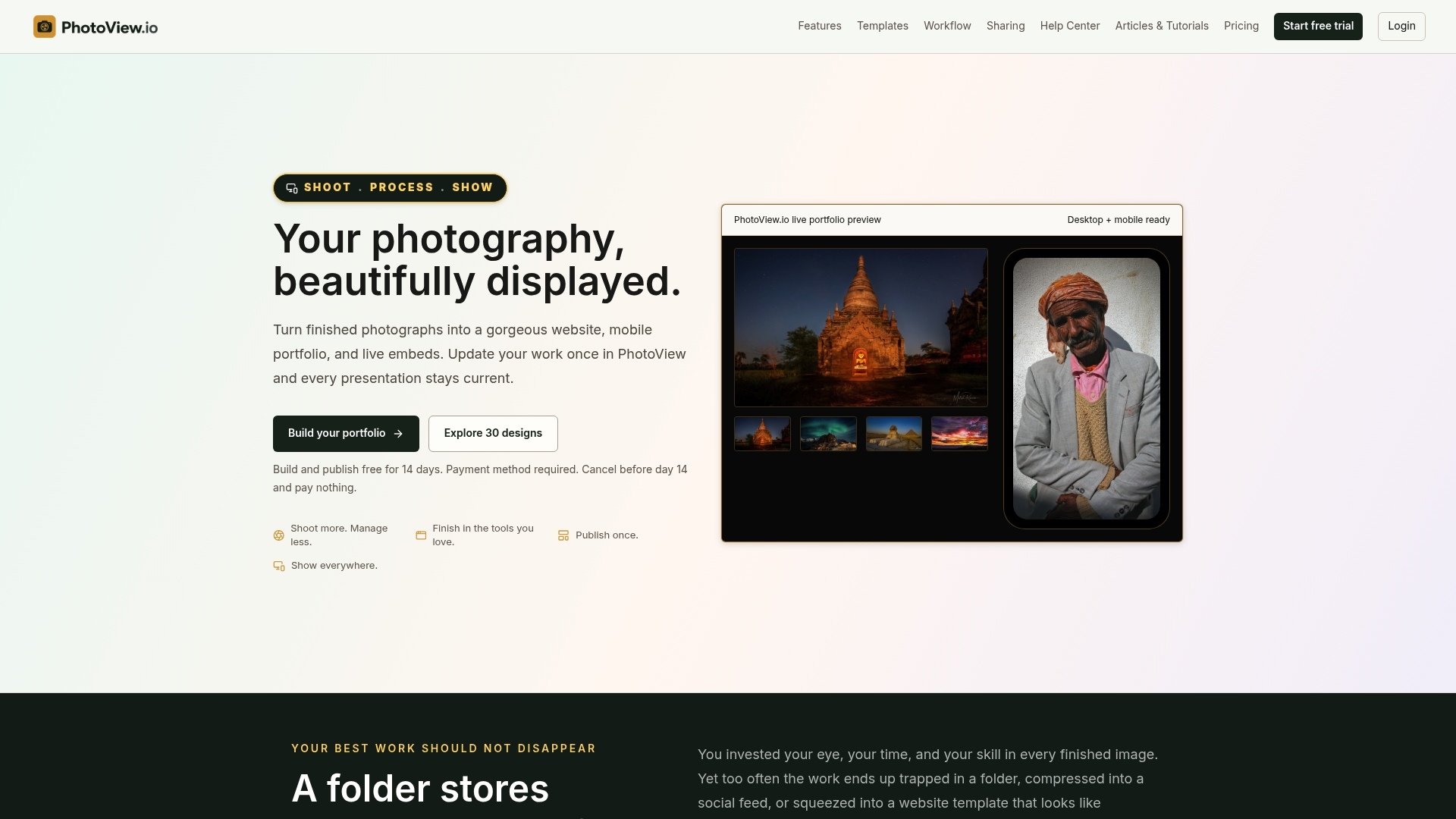
PhotoView is a subscription platform for photographers who want an organized portfolio without managing a website. You can store and curate finished photos and videos, publish through 30+ responsive templates, keep live embeds updated, publish from Lightroom, and run social campaign tools from one place. Plans begin with a free trial and are tiered by storage volume.
Published pricing is below, and every plan includes all portfolio and website features:
| Plan | Monthly | Annual |
|---|---|---|
| Starter | $3.99 per month | $39.99 per year |
| Growth | $5.99 per month | $59.99 per year |
| Studio | $7.99 per month | $79.99 per year |
| Premier | $11.99 per month | $119.99 per year |
A Custom plan is available for high-volume storage needs. See the current plans on PhotoView, or read how publishing a portfolio directly from Lightroom works. If you are still choosing a platform, our guide to the best photo gallery platform for portfolio-first photographers lays out what to look for. For the curation step, see how to curate 15 to 30 images from Lightroom to web, and for branding, custom branding for your portfolio.
A 30-day portfolio marketing plan
If you want a concrete starting point, work through this in order.

Week 1: decide who it is for. Name the client types you want. Pick the one or two that matter most this year.
Week 2: curate. Pull candidates for each type, then cut to 12 to 20 per gallery. Choose the opening five last, with the thesis-statement idea in mind. Write two or three lines of context per project.
Week 3: present. Organize galleries by location, industry or series, depending on your specialty. Set a custom domain, add an About page with a good portrait, and add a Contact page. Compress images to the sizes above and check every page on a real phone. If you shoot from your phone as well, our guide to mobile photo import keeps the phone roll tidy.
Week 4: promote and schedule. Link the right gallery from your social bios, email signature and pitches. Prepare a private gallery or PDF for each active lead. Set your first quarterly review reminder.
FAQ
How many photos should a photographer include in a portfolio?
Most published guidance falls between 10 and 30 images per gallery. Amateur Photographer suggests 10 to 12 consistent images divided into galleries of six to ten. Icon Photography School suggests staying under 30 on the main online grid. Choose the lower end if you are unsure.
Should I show all my genres in one portfolio?
Usually not. Mixed-genre work leaves a client unsure you do their kind of job. Build a separate gallery or page for each client type, and link to the right one when you pitch. Keep a broader master gallery for general visitors.
How often should I update my portfolio?
Active working photographers should review it at least every three to six months, according to Photography Talk, and update right away when strong new work arrives. Replace weaker images instead of only adding new ones.
Do I need a custom domain?
It is a standard recommendation. Icon Photography School advises a custom domain and an ad-free portfolio. A domain you own looks professional on a business card or in a pitch email, and it stays the same even if you change your site tools.
Is an online portfolio enough, or do I need a print one too?
Online works best for discovery and reach. A print or PDF portfolio can help convert interested prospects, since it gives them something tactile or tailored. Many photographers use both: a public online master gallery and a curated pitch for each serious lead.
Sources
- How to create a successful photography portfolio, Amateur Photographer
- How To Present Your Photography Portfolio, Icon Photography School
- From Hobbyist to Hired: How to Build a Photography Portfolio
- Things To Consider When Creating Your Photography Portfolio, DoStreetPhotography.com
- How to Build a Photography Portfolio That Actually Gets You Hired, Photography Talk
- Expert Advice: Curating Images for a Photographer’s Website, DIY Photography
- Build a Photography Portfolio for the Work You Want, SessionSavvy
- Squarespace Photography Portfolio Examples, Mary Elizabeth Photo
- Photography Portfolio Curation: Your 2026 Practical Guide, Mark Gray
- What’s Missing from Your Portfolio, Julie Skarwecki Consulting
- Mobile Photography Portfolios 2026, OneWebCare
- Photographer Website Examples, Nakada Design
- Web Design Portfolio, Blue Lake Web Design
- How to Optimize Images for Better Website Performance