
Best Password Protected Photo Galleries for Photographers (2026)
Compare the best password protected photo galleries for photographers: PhotoView, ShootProof, Pixieset, SmugMug, Picflow and more, with 2026 prices and who each suits.

Best Password Protected Photo Galleries for Photographers (2026)
For photographers who want a private gallery that also works as a portfolio, PhotoView is our pick. It keeps finished work, private sharing and your public website in one dashboard, from $3.99 a month. If your main job is client proofing and print sales, ShootProof and Pixieset are the other names to look at. SmugMug and Picflow also have strong cases. Below you’ll find what each option does, what it costs, and how to match it to your workflow.
PhotoViewKeep Private Galleries and Portfolios TogetherPhotoView brings finished photos, private sharing, portfolio templates, and live website embeds together in one dashboard.Explore PhotoViewTL;DR
- PhotoView is the best fit when one place should hold your portfolio, private galleries and website embeds. Plans run $3.99 to $11.99 a month, and all templates are included in every plan.
- ShootProof is built around client proofing, with password and PIN protection, download limits and watermarking, according to SLR Lounge.
- Pixieset pairs a client gallery with a store and website builder, and has a free tier with 3 GB.
- SmugMug offers password-protected galleries on plans starting at $20 a month, billed annually.
- Google Photos and Dropbox store and share files well, but they are not gallery tools made for photographers.
Table of Contents
- What “password protected” should mean for a photographer
- Quick comparison
- PhotoView: portfolio and private galleries in one place
- ShootProof: proofing-first galleries
- Pixieset: client gallery with a store
- SmugMug: big libraries and print selling
- Picflow: collaborative proofing
- Google Photos and Dropbox: storage, not galleries
- How to choose
- A note from us
- Try PhotoView on a real shoot
- FAQ
- Sources
What “password protected” should mean for a photographer
A password on a gallery is the minimum. What you actually need is control over who sees the work, what they can do with it, and how it looks when they open it.
Before you compare tools, decide which of these matter to you:
- Access control: a password, a PIN, or a private link that cannot be guessed.
- Download and sharing rules: whether viewers can save files, and at what size.
- Presentation: a gallery that looks like your brand, on a phone as well as a desktop.
- Reuse: whether the same images can appear in a private gallery, your portfolio and an embed without being uploaded again.
- Cost at your volume: storage limits decide the real price.
A private link alone is weaker than many people assume. Anyone who receives it can forward it. We cover that in more detail in our piece on the public link risk for photographers, and in our guide to password protected galleries.
Quick comparison
| Platform | Best for | Password or private access | Starting price (US) |
|---|---|---|---|
| PhotoView | Portfolio plus private presentation | Private sharing, privacy and domain settings | $3.99/month or $39.99/year |
| ShootProof | Client proofing and sales | Password and PIN protected galleries | Annual plans from about $100 (per SLR Lounge) |
| Pixieset | Client delivery with a store | Client Gallery with proofing and downloads | Free (3 GB); Basic $8/month billed annually |
| SmugMug | Large libraries, selling prints | Password-protected galleries | $20/month billed annually |
| Picflow | Collaborative proofing | Custom links and passwords | Free; Plus $8/month (2022 launch pricing) |
| Google Photos / Dropbox | Backup and casual sharing | Shared albums and private links | Free tiers of 15 GB and 2 GB |
Prices change often. Treat every figure here as a guide and confirm it on the provider’s own page before you buy.
PhotoView: portfolio and private galleries in one place
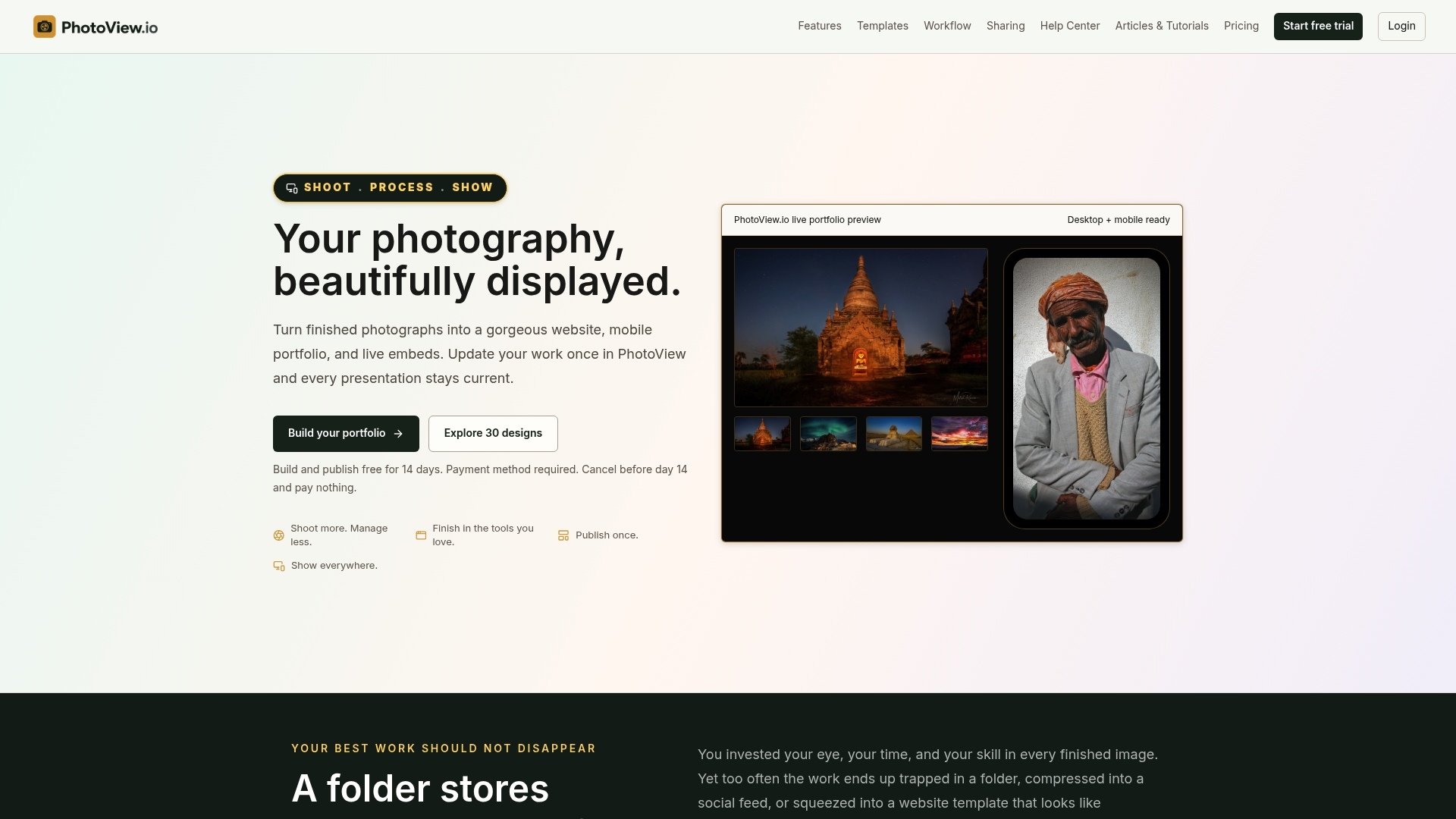
PhotoView is for photographers who would rather spend time shooting than managing websites. You store and curate finished photos and videos once, then present them through 30+ responsive portfolio templates, mobile-ready presentations and live embeds on other sites. When you update the work, everything stays current without rebuilding.
For private delivery, the private photo sharing tools let you share work with a client without putting it on your public site. Privacy, custom branding and custom domain settings sit in the same dashboard, as do multiple galleries and mixed media. If you shoot in Lightroom, you can publish straight from Lightroom and skip manual exports.
Why it stands out for this keyword:
- One upload, many uses. The image you share privately with a client can also sit in a curated portfolio, with no second library to maintain.
- Templates in every plan. You are not paying more to unlock a better look.
- Storage-based pricing. All features are included, so you choose a plan by how much you store.
PhotoView pricing
| Plan | Monthly | Annual |
|---|---|---|
| Starter | $3.99 | $39.99 |
| Growth | $5.99 | $59.99 |
| Studio | $7.99 | $79.99 |
| Premier | $11.99 | $119.99 |
| Custom | No published price | No published price |
Plans are tiered by storage, and Custom is there for high-volume libraries. A free trial comes before the subscription.
Who it suits: travel, fine art, commercial, wedding and product photographers who want a polished portfolio and a private way to share finished work. It is also a good match if you hate maintaining two sites. For a broader look at the category, see how PhotoView ranks among online photo galleries.
ShootProof: proofing-first galleries
SLR Lounge describes ShootProof’s gallery features as password and PIN protection, watermarking, download limits, proofing and unlimited galleries. It also reports a free trial limited to 100 photos and annual plans from $100 for 1,500 photos up to $600 for unlimited storage. That review points to ShootProof as a fit for photographers who want proofing, print and download controls and business tools around the gallery.

If your income depends on clients picking favorites and ordering prints from every shoot, that is the workflow it is built around. Check ShootProof’s own pricing page for current numbers, since the review’s figures may have moved.
Pixieset: client gallery with a store
Pixieset combines Client Gallery for delivering, downloading, favoriting and proofing photos with a store, a mobile gallery app, a website builder and a studio manager. According to one 2026 Pixieset review, Client Gallery plans are:
| Plan | Billed annually | Monthly | Storage |
|---|---|---|---|
| Free | $0 | $0 | 3 GB |
| Basic | $8/month | $10 | 10 GB |
| Plus | $16/month | $20 | 100 GB |
| Pro | $24/month | $30 | 1,000 GB |
| Ultimate | $40/month | $50 | Unlimited |
The same review notes that the free plan charges a 15% store commission, while paid plans are commission-free. Pixieset is a sensible pick when delivery and print sales are the center of your business, and the free tier lets you test it with a small project.
SmugMug: big libraries and print selling
SmugMug has long been a default for photographers with large archives. A 2026 SmugMug review confirms password-protected galleries and reports annual-billing prices of $20 a month for Direct, $23.50 for Portfolio and $37 for Pro, plus a 14-day free trial, as of April 2026.
The price is higher than most options here, which buys unlimited storage and, on the higher plans, ecommerce. It makes sense if you sell prints at volume. If you mostly need to present finished work and share it privately, a lighter plan structure is usually enough.
Picflow: collaborative proofing
PetaPixel reported that Picflow launched with client galleries and proofing, including custom links and password creation. Its pitch is collaborative review: clients can rate, favorite, reject, comment on and annotate images. At launch there were Free, Plus ($8 a month) and Pro ($16 a month) plans with no image-upload limit. That was 2022, so look at Picflow’s site for what it charges now.
It is worth a look when the back-and-forth with an art director or a large wedding party is the hard part of your job.
Google Photos and Dropbox: storage, not galleries
These two come up in nearly every search for private photo hosting, so it helps to see where they stop.
Google Photos offers backup, editing, search and sharing, and every Google Account includes 15 GB shared across Photos, Gmail and Drive. Sharing works through invited people and links, but the page does not describe dedicated password-protected galleries or client proofing.
Dropbox gives 2 GB free, and Consumer Reports lists paid tiers at $10 a month for 2 TB and $17 a month for 3 TB, as of its 2021 review. It also notes that automatic photo uploads need a paid subscription.
Both are fine for backing up and sending a folder to family. A client opening your wedding work in a file browser is not the experience you want to put your name on. If you are weighing storage security as well, our notes on cloud storage security priorities and secure photo hosting go deeper.

How to choose
Start from the job, not the feature list.
- You are building a portfolio and also share finished work privately. Choose PhotoView. One library feeds your website, mobile presentation, embeds and private shares.
- You run weekly shoots with proofing and print orders. Look at ShootProof or Pixieset, and compare their storage tiers against your yearly volume.
- You have a huge archive and sell prints. SmugMug’s unlimited storage tiers fit.
- You work with many reviewers on one set. Try Picflow’s proofing tools.
- You only need a place to park files. Cloud storage will do, but keep it away from client-facing work.
Then run the same short test on any finalist: upload one real shoot, set a password, open it on your phone, and send it to a friend who knows nothing about photography. If they can open it without help and the images look the way you intended, you have your answer.
Settings worth checking on any platform
- Can you turn downloads off, or limit their size?
- Can you change the password without breaking the link?
- Does the gallery carry your branding and your own domain?
- Is there a trial that lets you test with real files?
- What happens to the galleries if you downgrade?
Our guide to gallery permissions for clients walks through how to set sensible defaults, and private photo sharing workflows shows three ways to speed up delivery.
Send it from an address that looks professional
A polished gallery link loses some of its impact when it arrives from a free webmail account. Many photographers pair their gallery with professional business email on their own domain, so the message, the link and the brand all match.
A note from us
Most photographers I talk to do not have a gallery problem. They have a duplication problem. The same set lives in a delivery tool, on a portfolio site, in a folder on a drive and in a social post, and every correction has to be made four times.
That is why we built PhotoView around one idea: you update your work once, and it shows up everywhere you present it. Private sharing, the website, mobile presentations and embeds all draw from the same curated library, so a swapped image or a new gallery is current in every place at once.
We also include all templates in every plan, because the look of your work should not depend on your budget. Choose the plan by how much you store, keep your own domain and branding, and spend the time you save behind the camera.
Mitch Russo
Try PhotoView on a real shoot
If you want your private galleries and your portfolio to come from one library, PhotoView is built for that. Plans start at $3.99 a month, or $39.99 a year for Starter, and you can start with a free trial before you subscribe.
See the plans and pricing on PhotoView, or browse the portfolio templates to see how your work could look.
FAQ
What is the best free password protected photo gallery?
Pixieset’s free plan includes 3 GB of Client Gallery storage, according to a 2026 review, which is enough to test with a small project. Its free plan also carries a 15% commission on store sales. If you want to try a portfolio-first setup, PhotoView offers a free trial before its paid plans begin.
Is a private link as safe as a password?
A private link is hard to guess, but anyone who receives it can forward it, so it protects against strangers rather than against sharing. A password or PIN adds a second step. For sensitive sets, use a password and turn off downloads where you can.
Can I use Google Photos or Dropbox for client galleries?
You can share albums and files with them, but neither page describes photographer-specific proofing or client delivery. They work for casual sharing and backup. For client work, a gallery platform gives you branding, controlled access and a cleaner viewing experience.
How much storage do I need?
It depends on whether you store finished images or full shoots. Because PhotoView is for curated, finished work, most photographers can start on a lower tier and move up as the library grows. Pricing is tiered by storage, from Starter at $3.99 a month to Premier at $11.99 a month, with Custom plans for very large libraries.
Sources
- Best Online Galleries for Photographers, SLR Lounge
- Pixieset Review (2026), Christine Dammann
- SmugMug Review 2026, Finding the Universe
- Picflow is a New Photo Gallery and Client Proofing Service, PetaPixel
- Google Photos
- Best Cloud Storage Services for Photos, Consumer Reports