
Multiple Photography Galleries: How to Organize Them
Learn how to build, name, order and share multiple photography galleries, from portfolio genres to private client proofing, with one dashboard to manage them.

Multiple Photography Galleries: How to Organize Them
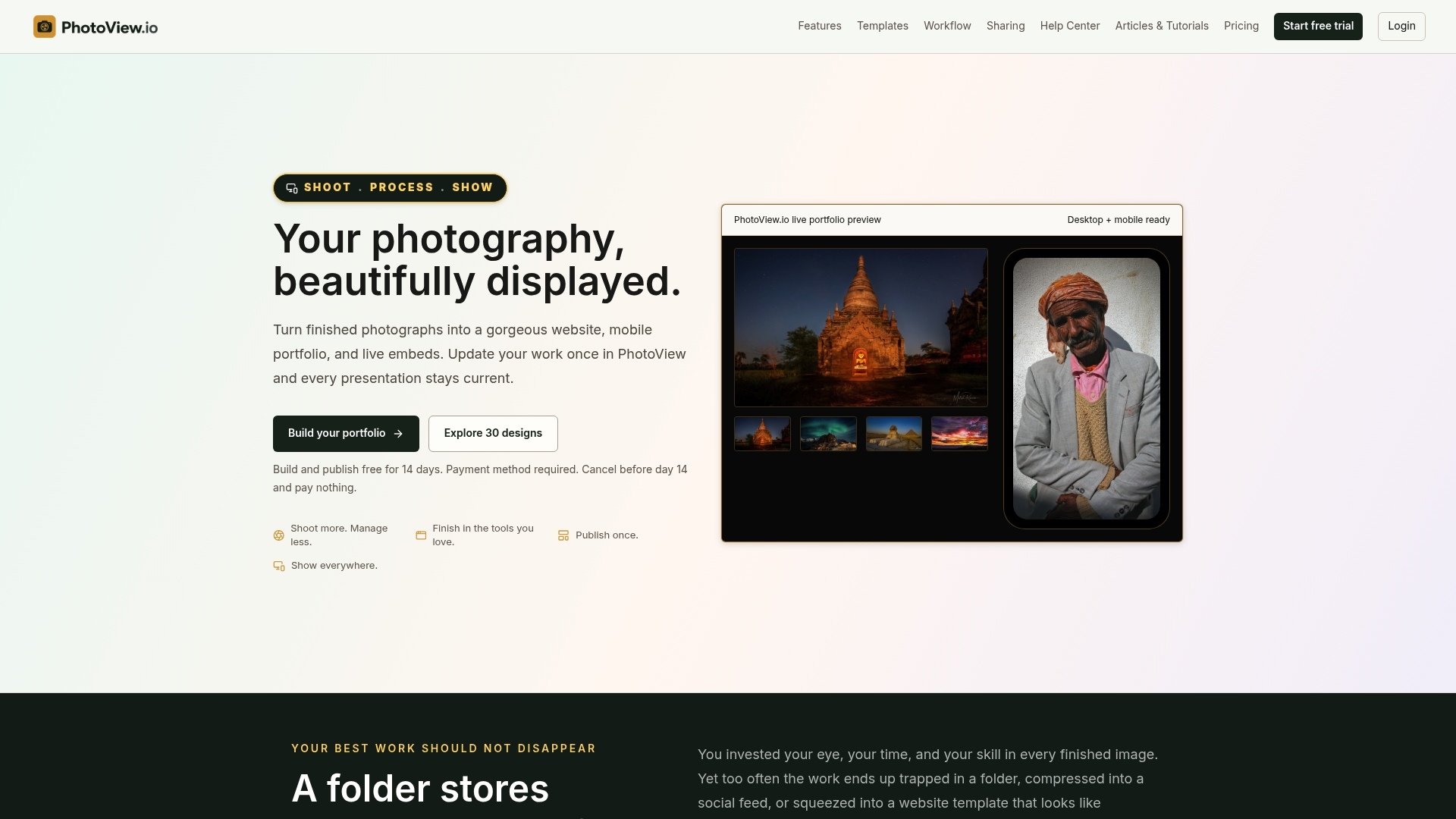
The best way to run multiple photography galleries is to build a few focused public galleries, one per kind of work you want to be hired for. Keep private client galleries in a separate lane, and manage everything from one place so each update appears everywhere at once. PhotoView is built for exactly this: you curate finished photos and videos once, then present them as separate galleries on your site, on mobile and in embeds.
This guide shows you how many galleries to build, how to group images, how to name and order them, how to keep client work private, and what to look for in a platform.
PhotoViewOrganize Every Gallery in One PlaceCurate finished photos and videos once, then present them in separate galleries across your site, mobile presentations, and embeds.VisitTL;DR
- Aim for about five public portfolio galleries. Past seven, a portfolio starts to read like an archive.
- Group by what a client would hire you for (genre, project type or audience), not by how your hard drive is filed.
- Name galleries with words visitors actually search for, and put the work you want to be hired for first.
- Keep client proofing and delivery galleries behind a password or private link, outside your public menu.
- Choose a platform that lets you update once and publish to your website, mobile view and embeds.
Table of Contents
- What multiple galleries do for a portfolio
- How many galleries should you have?
- How to organize galleries: project, client, genre or audience
- Name galleries the way visitors search
- Order and present galleries on your site
- Keep private client galleries separate
- Make every gallery work on mobile
- What to look for in a platform for multiple galleries
- Our perspective: update once, show everywhere
- Build your galleries in PhotoView
- FAQ
- Sources
What multiple galleries do for a portfolio
An online photo gallery is a digital space where you show, and sometimes sell, your work. It can be private, open only to the clients who commissioned a project, or public and open to a broad audience. Either way, it presents images in an organized manner, by theme, project or style.
Multiple galleries solve a simple problem. A wedding planner, an outdoor brand and a gallery curator all land on your site, and each wants to see a different slice of your work. One long scroll of everything makes all three work harder than they should. Separate galleries let each visitor reach their slice in a click.
If you shoot several genres, you can create a separate portfolio for each theme and integrate one or more of them into your main website. If you shoot one genre, galleries still help you split work by location, season or style.
For a deeper walkthrough of setting this up, see our guide on creating multiple photo galleries for your portfolio.

How many galleries should you have?
Fewer than you think. Alex Vita of ForegroundWeb recommends that most photographers keep around five galleries and notes that going beyond seven turns a portfolio into an archive.
A useful test: for each gallery, can you finish this sentence? “This gallery is for the client who wants ___.” If two galleries finish with the same words, merge them. If one gallery needs two different endings, split it.
The same logic applies inside each gallery. Fewer, stronger images beat a dump of every near-duplicate frame. Our piece on how many photos belong in a photography portfolio covers the count per gallery, and curating 15 to 30 images from Lightroom shows the selection process.
A quick sizing guide
| Your situation | Public galleries to start with | Example split |
|---|---|---|
| One genre, many locations | 3 to 5 | By region or season |
| Two or three genres | 1 per genre, plus one best-of | Weddings, portraits, travel |
| Commercial plus personal work | 1 per client type, plus a personal project | Product, editorial, fine art |
| Fine art with series | 1 per series, up to about 7 | Each series as its own gallery |
Treat these as starting points. Your own inquiry history will tell you which galleries earn their place.
How to organize galleries: project, client, genre or audience
There is no single correct grouping. There is a correct question: how does the person looking for you think about your work?
Group by genre or what clients hire you for
Photographer Samuel Elkins, as reported by Fstoppers, groups work by what a client would hire him for, mapping categories to genres instead of individual shoots. His four-year relationship with AllTrails, spanning several locations in Washington and California, sits under one umbrella. One click shows that whole body of work, with no separate gallery for every session.
That is the pattern to copy. A prospective client does not care that you shot the trail series in three trips. They care that you can deliver trail photography consistently.
Use folders and subfolders behind the scenes
Commercial and portrait photographer Jordan Bush describes a hierarchy of parent folders, one per genre, with subfolders for each client. All of a client’s content lands in one expected place, and he batch-edits settings across the galleries in a folder. The principle works on any platform: a predictable structure means you never hunt for a delivery from two years ago.
In PhotoView, Smart Folders and multiple galleries serve this purpose. You can keep storage organized by genre and client, then choose which collections go public. Our page on photo and video storage for a portfolio that stays organized explains the storage side.
Other ways to split a gallery
Landscape photographer Felix Stensitzky lists six ways to group images: by location, recording time, emotion, content or theme, season, or other topics such as personal favorites and technical formats. Travel photographers often lean on location. Fine art photographers often lean on theme or emotion. Mixed-media photographers can pair stills and video in the same gallery when they belong to one story.
Name galleries the way visitors search
A gallery title is a signpost. ForegroundWeb advises that collection labels should use terms visitors actually search for, not the way you personally file images on your computer. It also observes that visitors look for galleries using terms tied to their needs, such as venue or event type.
So “2024_Shoots_Final” becomes “Wedding Photography” or “Product Photography.” “Misc Portraits” becomes “Family Portraits” or “Corporate Headshots.” Plain labels help real visitors, and they also give search engines clear text to work with. If you want more on how names, alt text and file details help images get found, read about optimizing images for SEO.
A short naming checklist:
- Use the noun a client would type, such as “Engagement Photos” or “Architecture.”
- Add a place only when location is why they would hire you.
- Keep titles short enough to fit a mobile menu.
- Avoid internal codes, dates and file-style names.
Order and present galleries on your site
Multiple galleries can sit under one portfolio page, appear as menu links, or be grouped into collections. Which you pick depends on how many you have.
- Three to five galleries: show them as direct menu links or as a grid of cover images on a portfolio page.
- Six or more: group them into collections, such as “Weddings” containing several venues or seasons.
- Series-based fine art: give each series a cover image and a one-line description.
Order matters more than count. ForegroundWeb notes that most clients explore only the first few options on a page, so put the work you want to be hired for first. If most of your income should come from commercial work but your travel images get the compliments, lead with commercial.
Design consistency also counts. Galleries that share a template feel like one body of work by one photographer. PhotoView includes 30+ responsive portfolio templates, and every template is included in every plan, so you can pick the look first and add galleries without a pricing decision. Browse the photography website templates to see how gallery grids and layouts differ.
Already have a website?
You do not have to rebuild it. PhotoView supports live embeds, so a gallery you update in your dashboard refreshes on the external site that displays it. See how to embed a live photography portfolio on your existing website.
Keep private client galleries separate
Public portfolio galleries and private client galleries do different jobs. The first persuades a stranger. The second delivers or proofs work for someone who already hired you.
ForegroundWeb suggests keeping private client galleries behind a login or private link, not in the public portfolio menu. That keeps your menu tight and protects the client’s images.
In practice:
- Create one private gallery per client or per project.
- Name it for the client and the shoot, since only they will see it.
- Protect it with a password or a private link.
- Remove it from navigation so it never shows in your portfolio menu.
- Send the link with a short note on what to do next, such as selecting favorites.
PhotoView offers private sharing among its features. If you want to understand how the two jobs differ, read portfolio website versus client proofing gallery. For link security, see password protected galleries, and for clear access rules, our gallery permissions guide. Three delivery routines are laid out in private photo sharing workflows, and the private photo sharing solution page covers the feature itself.
Make every gallery work on mobile
Most first looks at a photographer’s work happen on a phone, often from a text or an Instagram bio link. A gallery that looks great on a monitor can fail on a small screen. Check these points for each gallery:
- Cover image: it should read clearly as a thumbnail. Busy compositions turn to mush when small.
- Grid density: fewer, larger tiles beat a dense mosaic on a phone.
- Navigation: your gallery menu should collapse into something thumb-friendly, and the gallery list should stay short.
- Load speed: export at sensible sizes before you upload so galleries open quickly on cellular data.
- Video: if you mix video with stills, make sure it plays inline without sending viewers away.
- Swiping: moving through images should feel natural, without fighting the interface.
The simplest way to avoid surprises is to use responsive templates and preview on a real phone before you publish. PhotoView’s templates are responsive and its presentations are mobile-ready, and its preview, publish and update workflow lets you look before anything goes live.
What to look for in a platform for multiple galleries
When you compare platforms, judge them on how they handle the second, fifth and tenth gallery, not just the first. These are the features that matter:
| Feature | Why it matters for multiple galleries |
|---|---|
| Several galleries per account | You should not have to pay more or build separate sites for each genre |
| Folders or smart grouping | Keeps client work and portfolio work organized as the library grows |
| Public and private modes | Portfolio galleries and client galleries live side by side |
| Responsive templates | Every gallery looks right on phone, tablet and desktop |
| Lightroom publishing | Finished selections move to galleries without exporting and re-uploading |
| Embeds | One update refreshes the galleries on other sites too |
| Custom domain and branding | Your galleries sit under your own name |
| Mixed media | Stills and video can share one gallery |
PhotoView covers each of these: multiple galleries, Smart Folders, private sharing, Lightroom publishing, live embeds, custom domains, branding settings and mixed media. For a fuller view of the category, see the best photo gallery platform for portfolio-first photographers. Other tools in this space include exhibit.site, hive5.app, getbokeh.com and picdrop.com, and the criteria above help you compare any of them against your own workflow.
One criterion deserves extra attention: the update loop. If you change a gallery in one place and must repeat the change on your site, your mobile page and each embed, galleries multiply your workload. If you change it once and every surface follows, galleries multiply your reach instead.
Our perspective: update once, show everywhere
We built PhotoView around a simple belief: photographers should spend their time shooting, not managing websites.
Multiple galleries are the point where that belief gets tested. One gallery is easy to maintain. Five public galleries, a set of private client galleries and an embed on a second site can quietly become a part-time job.
That is why we designed the platform so you update your work once and present it across your website, mobile and embeds. All templates are included in every plan, so you keep your own visual style across every gallery without rebuilding content each time the work changes.
Our advice is to curate hard, name plainly, lead with the work you want more of, and let the platform carry the repetition.
Mitch Russo
Build your galleries in PhotoView
PhotoView lets you store finished photos and videos, organize them into multiple galleries, and publish through 30+ responsive templates with a custom domain, private sharing and Lightroom publishing. Plans are tiered by storage, with every portfolio and website feature included.
Published prices on photoview.io:
| Plan | Monthly | Yearly |
|---|---|---|
| Starter | $3.99 | $39.99 |
| Growth | $5.99 | $59.99 |
| Studio | $7.99 | $79.99 |
| Premier | $11.99 | $119.99 |
| Custom | No published price | No published price |
If you shoot in Lightroom, start with publishing a portfolio directly from Lightroom. Custom storage plans are available for high-volume libraries.
FAQ
How many galleries should a photographer have?
Most photographers do well with about five public galleries. Alex Vita of ForegroundWeb says going past seven makes a portfolio feel like an archive. Add a gallery only when a distinct type of client would look for it.
Should client galleries be part of my public portfolio?
No. Keep client proofing and delivery galleries private, behind a password or a private link, and out of your public menu. Your portfolio persuades new clients, while client galleries serve people who already booked you.
In what order should I show my galleries?
Lead with the work you want to be hired for. Most visitors only explore the first few options on a page, so the order of your galleries matters more than how many you have.
Can I show my galleries on a website I already have?
Yes. With PhotoView you can embed a live portfolio on an existing site, and updates made in your dashboard carry through to the embed. You do not need to rebuild your galleries to do it.
Sources
- Create an Online Photo Gallery with Peakto and SmugMug
- How many galleries should your photography portfolio have?
- How to organize your photos into galleries and collections
- Tips To Maximize Your SmugMug Account | Fstoppers
- Stop Building Your Website Like a Filing Cabinet | Fstoppers
- Organizing online picture galleries as a landscape photographer