
How to Present a Photography Portfolio That Gets You Hired
Learn how to edit, sequence, tailor and share a photography portfolio online, on mobile and in review meetings, with a simple workflow you can keep current.

How to Present a Photography Portfolio That Gets You Hired
A portfolio is presented well when a viewer understands your vision in seconds, sees only your strongest work, and finds the same polished experience on a phone, a laptop and a client’s screen. That takes three decisions: what to show, in what order, and where it lives. Make them once, keep everything in one place, and every new project updates every place your work appears. That last part is why we built PhotoView around a single dashboard.
PhotoViewPresent Your Best Work BeautifullyCurate finished photos and videos, then publish responsive portfolios and mobile-ready presentations from one dashboard.VisitTL;DR
- Edit hard: 20 to 40 images in 3 to 6 galleries is enough for a website, and one or two projects is enough for a review.
- Sequence like a story. Open with your strongest image, end with one that bookends it, and cut anything redundant.
- Build a version for each audience instead of one portfolio for everyone.
- Test on a real phone, keep files light, and put your best three images first.
- Publish from one source so your site, mobile view and embeds never fall out of sync.
Table of Contents
- Decide what your portfolio is proving
- Edit down to the work that earns its place
- Sequence the images like a story
- Build a version for each audience
- Present it online: speed, mobile and first impressions
- Present it in a meeting or portfolio review
- A workflow that keeps everything current
- Promo: one place for your portfolio
- Perspective
- FAQ
- Sources
Decide what your portfolio is proving
Before you pick a template, decide what the portfolio has to prove. Digital Camera World describes a portfolio as proof of concept: a curated body of work that shows your skills, vision and consistency. It should be tightly edited, cohesive yet varied, and have a clear voice.
Consistency matters because it lowers the risk for the person hiring. Working photographer Cameron Sterling argues that unrelated styles and specialties confuse prospective clients, so even a photographer with a wide technical range should package it under a theme.
Write one sentence before you start: “I photograph ___ for ___.” A travel photographer might write “I photograph slow-travel stories for editorial and tourism clients.” A wedding photographer might write “I photograph quiet, documentary weddings for couples who dislike posing.” Every image has to support that sentence. If it does not, it waits for a different gallery.
Edit down to the work that earns its place
Most portfolios fail on selection, not on design. Choosing 20 finalists from 400 frames in a single pass leads to fatigue and inconsistency, which is why a university portfolio course recommends editing in six stages: gather candidates, cull for technical flaws, cull for purpose, compare similar images, rate and rank, then test the set together.
A simple version you can run in a weekend:
- Gather a longlist. Pull 100 or more candidates from recent projects. Icon Photography School suggests starting with 100 or more and removing technical flaws you cannot fix.
- Cut for impact. Keep the images that make you feel something, not the ones that were hard to shoot.
- Remove repeats. When you have three similar frames, keep the strongest one.
- Step away. American Photographic Artists recommends a three-phase edit: an open gut pass, a critical thumbnail-size pass after a day away, then a final pass for essentials.
- Get outside eyes. Ask someone in your target market which three images they remember.
How many images is enough?
There is no single number, but the guidance clusters in a narrow range. The Photography Institute suggests 8 to 12 strong images for a first portfolio. Sterling says 20 to 40 images across 3 to 6 galleries on a website is generally enough to show capability and a memorable perspective. For a review, PhotoAlliance says to focus on one or two projects, prioritizing one, instead of showing your whole range.

If you want a deeper walkthrough of the count, we wrote one on how many photos belong in a photography portfolio, and another on curating 15 to 30 images from Lightroom to the web.
Sequence the images like a story
Selection decides what viewers see. Sequence decides how they feel about it. APA compares sequencing to a musical composition: the first image sets the tone and the last can bookend it, and pairing images creates meaning through color, shape, line or subject.
Amateur Photographer adds a practical rule: keep colour palette, mood, light and style consistent, and choose either colour or black and white instead of mixing both. It also suggests a beginning, a middle and an end, plus a short statement of around 150 words.
A few sequencing habits that work in any genre:
- Put your strongest image first and your second strongest last.
- Alternate wide scenes, details and portraits so the eye gets rhythm.
- Place vertical and horizontal images deliberately, not at random.
- Let color or light carry from one frame to the next.
If you mix photos and video, treat clips as part of the sequence, not an appendix. A short clip after a stills run can work like a pause in a piece of music. Our guide to building a portfolio with photos and video covers the pacing in more detail.
Build a version for each audience
A fine art buyer, a hotel marketing manager and a couple planning a wedding are asking the same silent question: does this photographer understand my world? Photography Talk puts it plainly: a portfolio full of work in the client’s genre answers yes, while mixed genres answer maybe, and maybe usually loses. Its advice for photographers who work across genres is to keep separate portfolios, ideally on separate pages or URLs.
In practice, that looks like this:
| Photographer | Main portfolio | Tailored versions |
|---|---|---|
| Travel | Best destination stories | Editorial edit, tourism-board edit |
| Wedding | Full wedding galleries | Elopements, engagement sessions |
| Commercial | Product and brand work | One edit per client category |
| Fine art | One cohesive series | Series for a gallery submission |
This is where a platform earns its keep. In PhotoView you can keep multiple galleries under one account, and use private sharing to send a tailored edit to one prospect without publishing it on your public site.
Present it online: speed, mobile and first impressions
Your online portfolio is the version people find first. Digital Camera World calls it your 24/7 shopfront for discovery. It has to load fast and look right on whatever screen the viewer holds.
Lead with your best three
Photography Talk says the first three images must be your strongest because clients often decide within seconds, and it recommends ending on a strong closing image. Its web export guidance is 2000 pixels on the long edge, sRGB, JPEG at 80 to 90 percent quality.
Design for the phone first
Shopify notes that mobile devices account for over 60% of global web traffic, and recommends compressing images so pages load quickly everywhere. A mobile guide from OneWebCare advises testing on actual smartphones and tablets, using one- or two-column galleries with swipe navigation and full-screen lightboxes, and keeping touch targets at least 48 pixels.
That checklist is easy to lose track of when you are also shooting and editing. PhotoView’s templates are responsive and mobile-ready, so you start from a layout designed for phones instead of retrofitting one. For the technical side, see our guides on portfolio site speed, responsive portfolios with srcset and AVIF and full-screen galleries that keep your ratios. If you also manage other pages on your site, this overview of how to optimize images for website performance is a handy companion.
Write a short statement
One short paragraph about who you photograph and why helps viewers read the work correctly. Around 150 words is enough. Put it near the top of the page or on a separate about page, and keep your contact details one click away from every gallery.
Present it in a meeting or portfolio review
A live review is a different format. You have a few minutes, one person’s attention and a chance to leave a lasting impression.
A Photo Editor advises updating your website and book before you reach out, contacting prospects about a week ahead, researching their business and social media, expecting casual meetings under 20 minutes, and opening with a short elevator pitch. It also notes that tablets are essential if you shoot motion and useful for showing recent projects or going deeper on a subject. A mobile-ready presentation covers both: stills and video in one place, ready to open on any device.
A few habits that make the time count:
- Show less. Magnum photographer Jerome Sessini advises being severe with your selection, because photographers often include too many images and less is more in review meetings.
- Research the reviewer. Lead with the work that matches what they commission, and keep a few more projects ready if they ask.
- Ask specific questions. PhotoAlliance suggests asking “Which images stay with you?” and “What would you edit?” instead of “What do you think?”, and asking for the names of one or two people who might be interested in the work.
- Send the link afterward. A private link to the exact edit you showed makes follow-up easy.
A workflow that keeps everything current
The real cost of presenting a portfolio is not the first build. It is the tenth update, when the same new project has to go onto your site, your mobile view and the pages where you embed galleries. Here is the routine, and what PhotoView does at each step.
- Finish your edit where you already work. If you edit in Lightroom, you can publish a portfolio directly from Lightroom to PhotoView. Smart Folders help keep sets organized.
- Choose a template. There are more than 30 responsive portfolio templates, and all of them are included in every plan, so you choose by style, not by tier.
- Set your brand. Add your website name, logo and identity through the brand settings, and connect a custom domain.
- Preview, then publish. The help center explains how to preview, publish and update your website.
- Embed where you need it. Live website embeds stay updated from the same dashboard, so you update the work once and it changes everywhere.
- Share privately when needed. Send a tailored edit to a single prospect without adding it to your public site.
If you want a broader view of how this fits together, our guide to photography portfolio software compares what to look for, and the walkthrough on publishing from Lightroom in minutes shows the first publish step by step.
Promo: one place for your portfolio
PhotoView is built for photographers who would rather shoot than maintain a website. You store finished photos and videos, curate them into galleries, publish through responsive templates and keep embeds current from one dashboard. Every plan includes every template and all portfolio and website features. You pick a plan by storage.
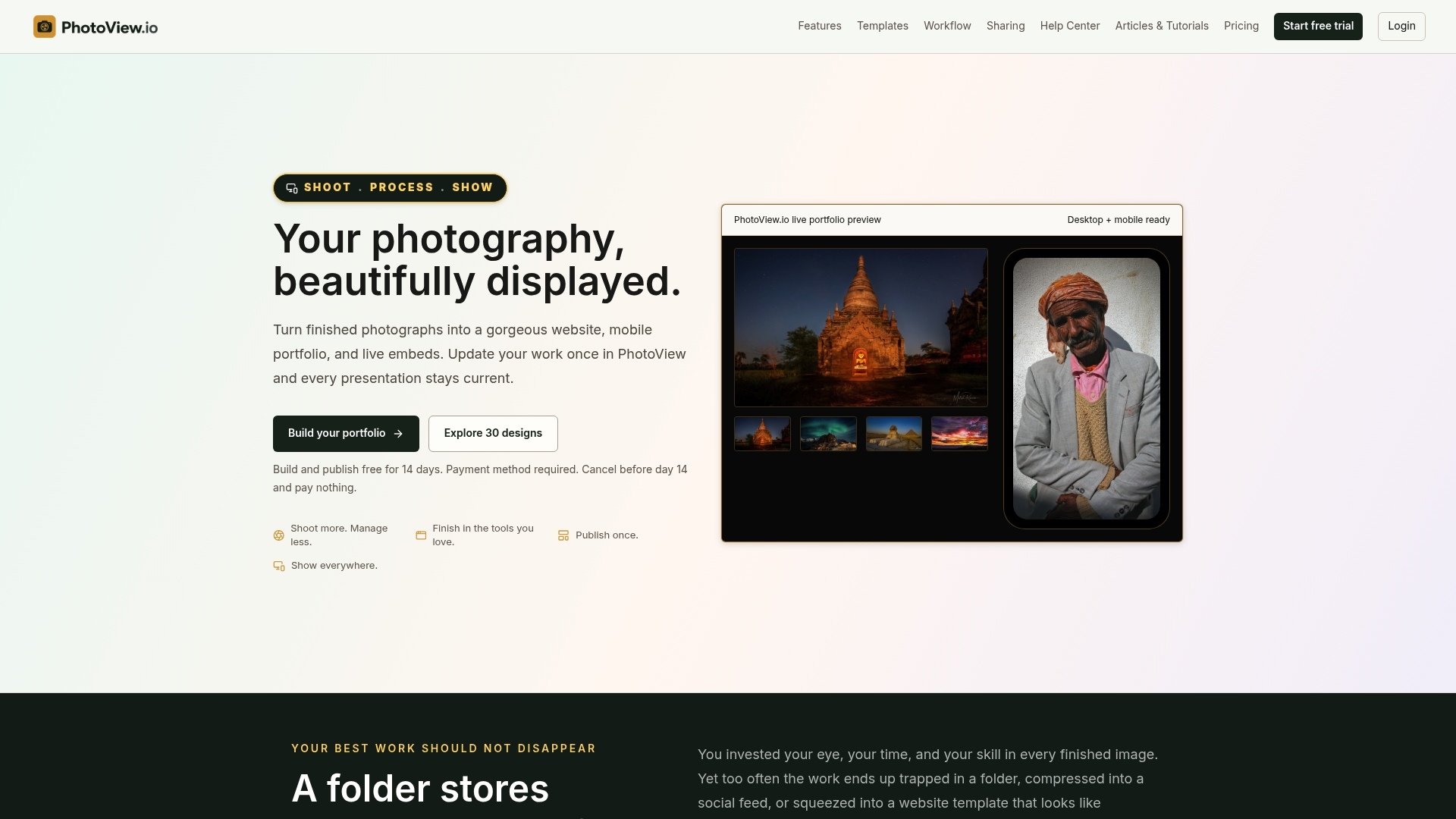
Plans start with a free trial and are billed monthly or yearly:
| Plan | Monthly | Yearly |
|---|---|---|
| Starter | $3.99 | $39.99 |
| Growth | $5.99 | $59.99 |
| Studio | $7.99 | $79.99 |
| Premier | $11.99 | $119.99 |
High-volume photographers can ask about a Custom storage plan. See the plans and start your trial.
Perspective
Most portfolio advice stops at the edit, and the edit matters. But we see the same problem after it: the work is good, and the presentation slowly goes stale. One version lives on a website, another in a social profile, a third in an embed somewhere, and none of them match.
Our view is that a portfolio should be a single source of truth. You curate finished work once, in one dashboard, and it appears across your website, on mobile and in embeds. That is the idea behind PhotoView, and it is why every template is included in every plan: your visual style should be your decision, not something you unlock.
The photographers who present best are rarely the ones with the most images. They are the ones who show a focused edit, keep it current, and make it effortless to view. Spend your time on the edit and the shooting. Let the platform handle the rest.
Mitch Russo
FAQ
What is the best way to present a photography portfolio?
Show a tight, cohesive edit, open with your strongest image and close with one that echoes it. Keep it online as a fast, mobile-friendly site, and prepare a tailored version for each client type or review. Keep everything updated from one place so no version goes stale.
How many photos should I include?
For a website, 20 to 40 images across 3 to 6 galleries is a common range. For a first portfolio, 8 to 12 strong images can be enough, and for a review you can focus on one or two projects. Fewer, better images always beat a long list.
Should I keep one portfolio or several?
Several, if you work in more than one genre or serve different clients. A wedding photographer who also shoots corporate headshots benefits from separate galleries or pages, so each audience sees only work from its own world.
How do I make my portfolio look good on a phone?
Use a responsive template, compress your images, and put your best three first. Then open the site on an actual phone and swipe through it. If a gallery feels slow or the buttons are hard to tap, fix that before you share it.
Do I need my own domain?
A custom domain makes your portfolio easier to remember and looks more professional on business cards, emails and proposals. PhotoView supports custom domains, and you can set your site name, logo and identity alongside it.
Sources
- Every photographer still needs a strong photography portfolio, Digital Camera World
- Portfolio Review Preparation, Cameron Sterling
- Editing a portfolio, HSM University
- Lesson 12: Creating Your Photography Portfolio, Icon Photography School
- How to Edit and Sequence Your Images, American Photographic Artists
- How to Create Your First Photography Portfolio, The Photography Institute
- Portfolio Review Best Practices, PhotoAlliance
- How to create a successful photography portfolio, Amateur Photographer
- How to Build a Photography Portfolio That Actually Gets You Hired, Photography Talk
- How to Make a Photography Portfolio: 8 Steps, Shopify
- Mobile Photography Portfolios 2026, OneWebCare
- Expert Advice: One-On-One Portfolio Reviews, A Photo Editor
- Creating a Portfolio: Advice from Magnum, Magnum Photos
- How to Optimize Images for Better Website Performance